
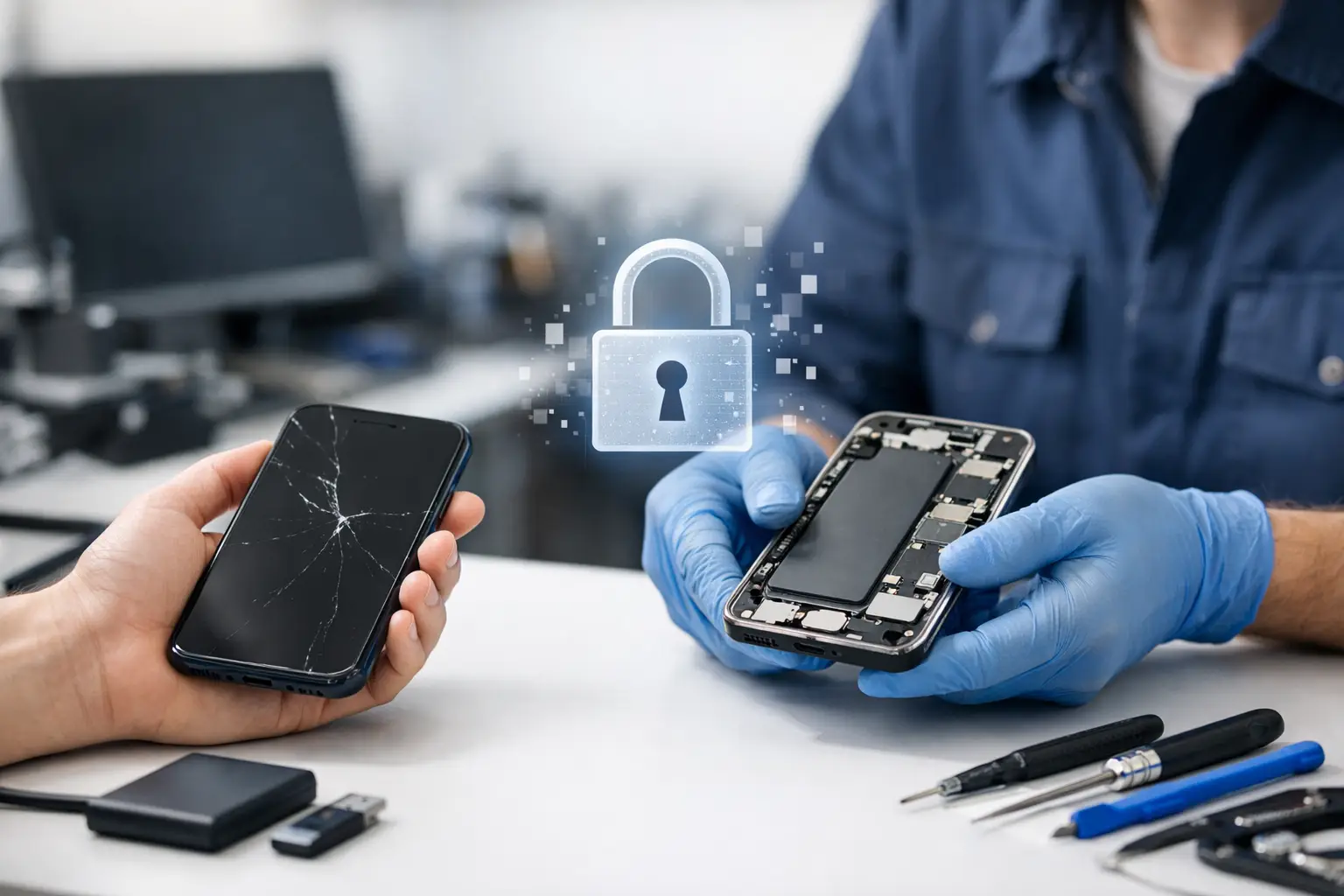
A cracked screen is stressful enough without worrying about years of photos, WhatsApp chats, banking apps and work files disappearing. So, does phone repair erase data? In most cases, no. Common hardware repairs such as screen, battery, charging-port and back-cover replacements do not require your phone to be wiped. However, there are situations where data loss is possible, particularly when the problem involves software, storage or serious liquid damage.
The safest approach is simple: back up your device before any repair whenever you can. A trustworthy repair technician should also explain when a reset may be necessary before starting work.
Does Phone Repair Erase Data During Common Repairs?
Most physical repairs leave the information stored on your phone untouched. Your photos, contacts, messages, applications and settings live on the device’s internal storage, not in the screen, battery or charging port.
A screen replacement, for example, involves removing the damaged display and fitting a new one. The technician does not need to access the phone’s storage to do this. The same is generally true for a battery replacement, speaker repair, microphone repair, camera replacement or new back cover.
That said, a repair is never completely without risk. Modern smartphones are compact devices with delicate connectors, tightly fitted components and, in some models, parts linked to security or calibration systems. If a phone already has an underlying fault, it may not restart as expected after repair. This is uncommon, but it is one reason a backup remains worthwhile even for a straightforward repair.
Repairs That Usually Keep Your Data Intact
If your phone powers on and can be unlocked, these services would not normally erase your data:
- Screen and display replacements
- Battery replacements
- Charging-port, speaker and microphone repairs
- Camera, button and back-cover replacements
- Cleaning of charging ports, earpieces and speakers
- Replacement of certain small internal components
There can be exceptions. For instance, a screen repair on a phone that has suffered a severe impact may reveal that the motherboard was damaged too. Replacing the display does not erase data, but the phone may still fail to boot because of the original impact damage.
When a Repair May Require a Reset
A factory reset deliberately removes personal data from a phone. It is normally used to resolve persistent software problems, prepare a device for a new owner or complete a software recovery. It should not be the default answer to a broken screen or worn-out battery.
A reset may be recommended when your device is stuck in a boot loop, repeatedly crashes, cannot complete an update, is affected by malware or has a serious operating-system fault. If the phone cannot be repaired without reinstalling its software, stored data may be lost unless a backup is already available.
Storage faults are more serious. If the internal memory is failing, the device may become slow, restart unexpectedly, show missing files or stop switching on. In those cases, the priority is often data recovery rather than a normal repair. A factory reset will not fix failing storage and can make recovery harder, so do not reset a malfunctioning phone simply because it is behaving strangely.
Motherboard and Liquid Damage Cases
Motherboard repairs and liquid damage are the situations where no technician can responsibly promise that your data will be preserved. Corrosion can spread over time, and a phone that works briefly after getting wet can stop working days later. A short circuit may also affect the storage chip or the parts needed to unlock encrypted data.
Most recent iPhones and Android phones encrypt their storage. That is excellent for privacy, but it means data cannot simply be copied from a damaged chip and read on another phone. In many cases, the original device needs to power on and be unlocked before files can be recovered.
If your phone has been exposed to water, turn it off if possible and avoid charging it. Do not use rice, heat it with a hairdryer or keep trying to switch it on. Fast professional assessment gives the device, and your data, the best chance.
Why Your Passcode May Be Needed
Customers are often unsure whether to share their passcode. For a physical repair, a technician may need to unlock the device after the work is completed to test the screen, touch response, cameras, charging, speakers, mobile signal and biometric functions.
You should only provide access if you are comfortable doing so and understand why it is required. Ask how your privacy will be handled, whether the passcode will be recorded, and whether you can test the phone yourself at collection instead. On many devices, a repair technician can carry out much of the work without access, but full function testing may be limited.
Do not remove your Apple ID or Google account purely for a routine repair unless you have been specifically advised to do so. Activation locks are security features. Removing them can make it harder to confirm ownership and can leave your device less protected.
Back Up Before You Hand Over Your Phone
A backup is your protection against the unexpected, not a sign that you expect the repair to go wrong. It also makes replacing a lost or heavily damaged phone far less disruptive.
For an iPhone, you can back up to iCloud through Settings, or create an encrypted backup on a computer. An encrypted computer backup can retain saved passwords, health data and Wi-Fi settings, which may be useful if you need to restore everything later.
For Android, check that Google backup is active and that your photos are syncing to Google Photos or another service you use. Many brands also provide their own backup or transfer tools. Make sure the latest backup has actually completed rather than assuming it runs automatically.
Before your appointment, check your most valuable information: recent photos, WhatsApp conversations, contacts, authentication apps, notes and work documents. Banking and authenticator apps may require extra verification after a reset or device change, so keep recovery codes somewhere safe and separate from your phone.
If the screen is damaged but the phone still responds, backing up may be possible with a computer, cloud account or an external display setup depending on the model. If you cannot see or use the screen, explain this when booking the repair. The right repair sequence may make it possible to access and back up your data after a replacement screen is fitted.
What to Ask Your Repair Technician
Clear communication prevents unpleasant surprises. Before approving a repair, ask whether the fault appears to be hardware or software, whether a reset is likely, and whether there is any existing damage that could affect the phone’s ability to restart.
It is also reasonable to ask what testing will be carried out after the repair and whether the repair comes with a warranty. A good repair provider will explain the likely outcome in plain language rather than making promises they cannot keep.
At Logiexpert Smartphone Repairs, diagnostics help identify the actual issue before work starts. That matters because a phone with a dead battery needs a different solution from one with a charging fault, software issue or board-level problem. If a repair cannot be completed, the no-fix-no-pay approach keeps the process fair.
If Your Phone Has Already Been Reset
If a reset has already happened, stop using the phone until you know whether your data is available in a backup. New photos, downloads and app activity can overwrite parts of older files, reducing the chance of recovery in some situations.
Start by signing into the same Apple ID or Google account used before the reset. Check cloud photo libraries, contacts, files, notes and messaging backups. If the device was managed by an employer, contact the company IT team before making further changes, as they may have a managed backup or security process.
The key point is that phone repair and data erasure are not the same thing. Most everyday repairs are designed to restore a device without touching your personal content. Back up when your phone is working, ask direct questions when it is not, and you can hand over your device with far more confidence.
Lascia un commento