
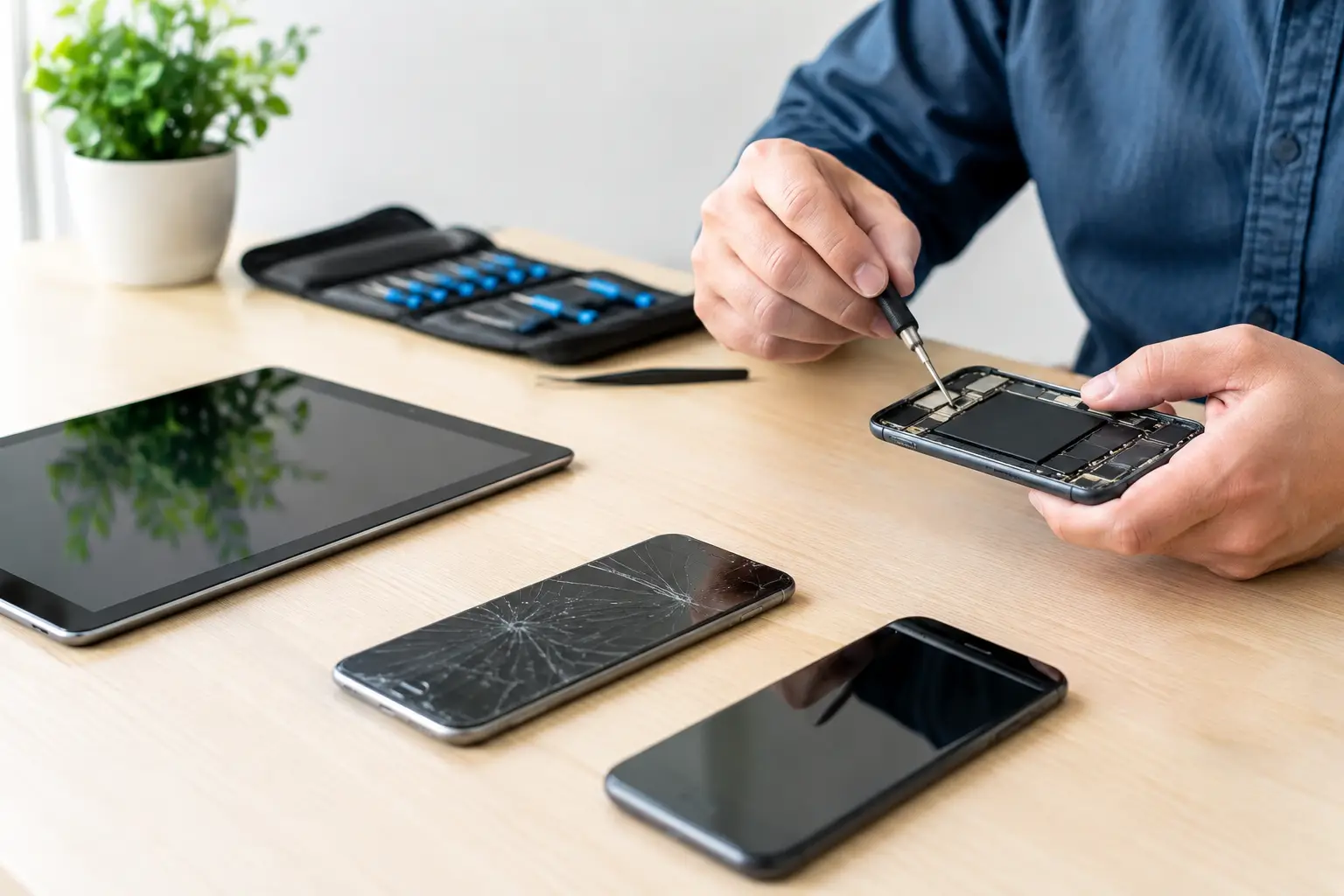
A cracked screen rarely arrives at a convenient moment. Neither does a tablet that will not charge before a child’s schoolwork is due, or a work phone that loses battery halfway through the day. When several devices need attention, arranging a separate repair route for every brand creates more delay than the damage itself.
Multi device repair gives households, professionals and businesses one practical place to resolve faults across phones and tablets. Instead of being limited to one manufacturer, you can have the issue checked, understand the likely cost and decide whether repair is worthwhile before work begins.
What multi device repair means in practice
Multi device repair is not simply repairing several devices at once. It means working across the brands and models people actually use: Apple, Samsung, Google, Xiaomi, Huawei, Oppo, OnePlus and Oukitel, as well as many tablets. The benefit is straightforward. Your family may use different handsets, while your workplace may issue more than one make of device. You should not need a different repair provider for every one of them.
A capable repair service starts with the fault, not the logo on the back. Is the display broken? Does the battery drain unusually quickly? Is the charging port loose, blocked or damaged? Has a back cover cracked after a drop? The technician checks the device, identifies the likely cause and explains the repair options in plain language.
That approach matters because identical symptoms can have different causes. A phone that will not charge may need careful cleaning of compacted dust from the port. It may instead need a replacement charging connector, a new cable, a battery assessment or investigation of a deeper board fault. Replacing a part without a proper diagnosis wastes time and money.
The repairs that make the biggest difference
For most customers, the goal is not technical perfection for its own sake. It is getting a dependable device back in hand quickly, at a sensible price. The most common repairs tend to have the clearest impact on daily use.
Screen and back-cover damage
A damaged screen can range from a small crack to an unusable display with dead touch areas, black patches or flickering. Even if the phone still works, broken glass can worsen over time and leaves the display less protected from moisture and dirt. A quality screen replacement restores visibility and touch response while making the device safer and more comfortable to use.
Back-cover repairs are equally worth considering. A split rear panel can expose the phone to dust and moisture, while loose fragments can make it difficult to hold. On some models, a damaged back cover also affects wireless charging or the protection around internal components.
Battery replacement
Batteries wear gradually, so the problem is often accepted for too long. You may start charging twice a day, carry a power bank everywhere or switch the phone off at 20 per cent because the percentage is no longer reliable. Heat, unexpected shutdowns and swelling are stronger warning signs that should not be ignored.
A battery replacement can give an otherwise good phone or tablet a useful second life. It is often more affordable than replacing the full device, especially when the camera, performance and storage still meet your needs. The trade-off is that very old models may no longer receive security updates, so repair should be weighed against how safely and comfortably the device will serve you over the next year or two.
Charging, software and data problems
Not every fault involves broken hardware. Software updates that fail, storage that is full, apps that crash or a device that has become slow can often be resolved without replacing parts. A professional can also help with data transfers and resets when moving to another device or preparing an old one for resale.
Data work deserves care. A reset may solve persistent software problems, but it can also remove photos, messages, authenticator access and documents if these have not been backed up properly. Ask what will happen to your data before authorising a reset. If the device still turns on, do not keep repeatedly entering passcodes or installing random repair apps in the hope of a quick fix.
Why diagnostics should come before a quote
A transparent repair process protects you from guesswork. A visible crack makes a screen repair easy to identify, but a device that overheats, freezes or cannot connect to a network needs more investigation. The technician should test the relevant functions and tell you whether the repair is practical.
Free diagnostics are especially useful when the fault is unclear. They give you an informed decision rather than a vague promise. If the issue cannot be fixed, a no-fix-no-pay policy means you are not paying for an unsuccessful attempt. That is a fair standard for a repair service, particularly where water damage or internal faults may reveal more than one problem.
Price should also be considered alongside part quality and warranty. The cheapest repair is not always the best value if the replacement screen has poor brightness, unreliable touch response or a weak fit. For battery work, warranty cover provides added reassurance that the replacement is designed to perform as expected.
Multi device repair for homes and businesses
For a household, multi-brand support saves the effort of finding a specialist for each phone and tablet. One person may have an iPhone, another a Samsung, and a child may use an older tablet for homework and streaming. A single repair provider can assess each device and help you prioritise what genuinely needs doing first.
For businesses, the benefit is even more direct: less downtime. A damaged company phone can interrupt calls, route planning, customer messages, banking checks and access to work systems. When several devices are affected, a tailored repair plan helps keep the team operating instead of leaving staff to arrange repairs individually.
On-site repair support can be a practical option where moving multiple devices is inconvenient or where the interruption needs to be kept to a minimum. It will not suit every type of fault – complex repairs may require workshop equipment and longer testing – but it can be the right answer for straightforward issues and planned business maintenance.
What to do before handing over a device
Preparation can make a repair faster and protect your information. Back up important data if the device remains accessible, remove any case or accessories, and make a note of the symptoms you have seen. Mention whether the phone was dropped, exposed to liquid, repaired previously or started failing after an update. These details help the technician diagnose the real issue.
Where possible, disable device tracking only when requested and only after confirming who is handling the repair. You may need to provide a passcode for testing, but a reputable technician should explain why access is required. If privacy is a concern, ask whether you can enter the code yourself when testing is needed.
Do not attempt to force a charging cable into a blocked port, peel off a lifting screen or keep using a swollen battery. Those shortcuts can turn a repairable problem into more serious damage. Switch the device off if it becomes very hot, smells unusual or shows signs of battery swelling.
Choosing a repair partner you can rely on
The right repair service makes the process clear from the first check to the final test. Look for technicians who work with a broad range of brands, explain costs before proceeding, use high-quality parts and stand behind appropriate repairs with warranty. Fast service matters, but careful testing matters too: calls, cameras, charging, touch response and speakers should all be checked where relevant.
At Logiexpert Smartphone Repairs, the focus is on practical repairs for the devices people depend on, whether that is one damaged handset or a group of business devices. Expert technicians, affordable rates and a no-fix-no-pay approach keep the decision simple: if it can be repaired properly, it should be repaired properly.
Before replacing a phone or tablet because it has become frustrating, have it assessed. A targeted repair may be all that stands between a disrupted day and a device that is ready to work again.
Lascia un commento