
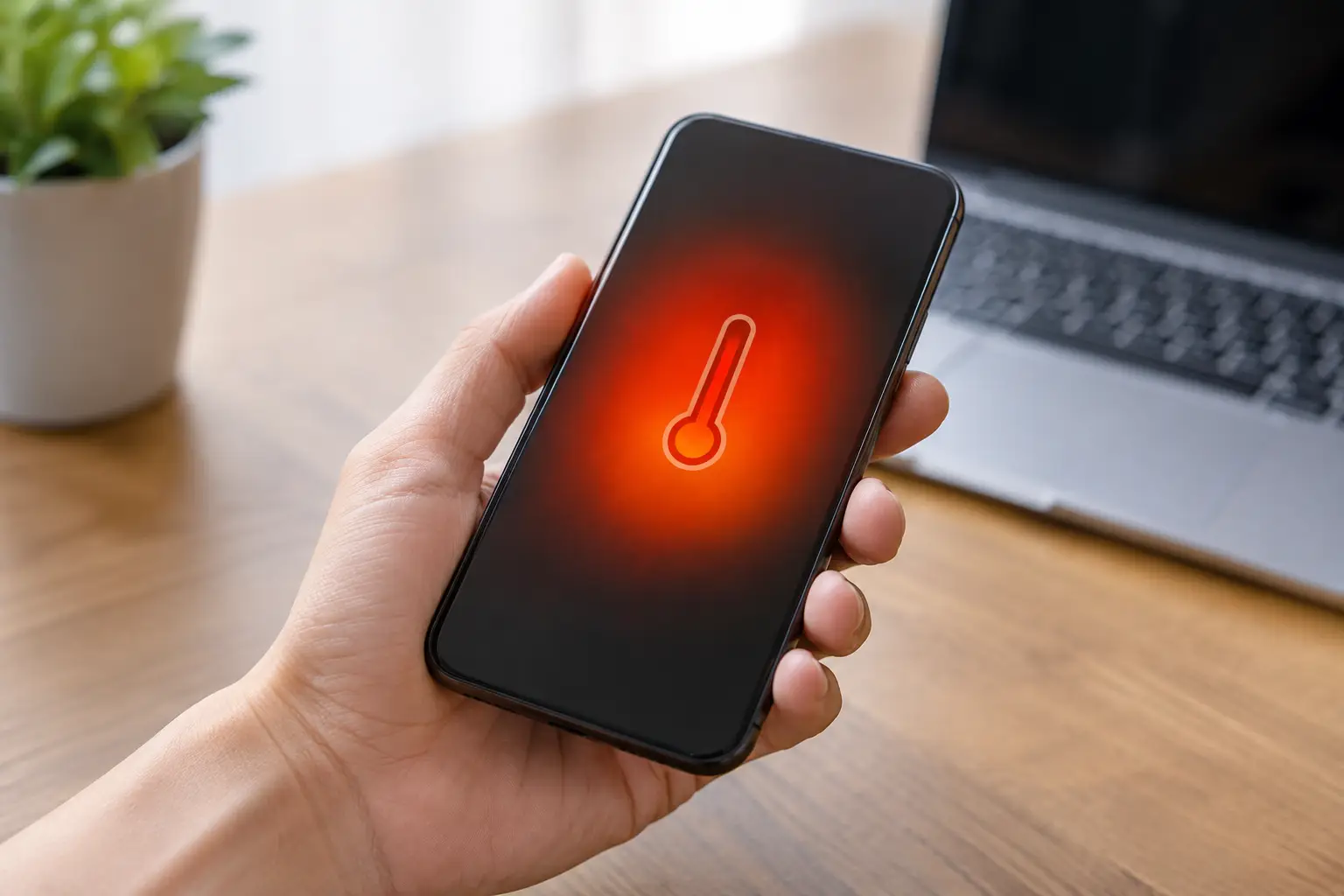
A phone that feels warm after a video call is usually not a concern. A phone that becomes too hot to hold, slows down, drains rapidly or displays a temperature warning needs attention. Phone overheating causes can be as simple as a hot car or a demanding app, but persistent heat can also point to a battery, charging or internal hardware fault.
Most modern phones are designed to protect themselves. They may dim the display, pause charging, close the camera or shut down when temperatures rise too far. Those protections are useful, but they do not fix the reason the device is getting hot in the first place.
The most common phone overheating causes
Direct heat and poor ventilation
Leaving a handset on a car dashboard, beside a radiator or in direct sunshine can raise its temperature very quickly. A dark phone case absorbs heat too, particularly during warm weather. In the Netherlands, this often happens when a phone is left in a parked car during a sunny afternoon or used for navigation against the windscreen.
Remove the case, move the phone into the shade and let it cool naturally. Do not put it in a fridge, freezer or under cold water. Sudden temperature changes can cause condensation inside the device, which may damage the screen, cameras or charging components.
Heavy apps, gaming and background activity
Gaming, video editing, hotspot use, long video calls and GPS navigation all make a phone work hard. The processor, screen, mobile signal and battery are drawing power at the same time, so some warmth is expected.
The problem starts when the phone stays hot long after you stop using it. An app may be stuck in the background, software may be out of date, or poor signal coverage may be forcing the phone to keep searching for a connection. Check battery usage in your settings to see which apps are consuming unusual amounts of power. Closing unused apps, restarting the device and installing available updates can often make a noticeable difference.
Charging problems and unsuitable accessories
Charging naturally produces some heat, especially with fast charging. However, a phone should not become painfully hot while connected to power. Low-quality cables, damaged adapters and incompatible wireless chargers can deliver power inconsistently and create excess heat.
Check the cable and plug for fraying, bent connectors, scorch marks or looseness. Also inspect the charging port for packed dust or lint. A blocked port can prevent a secure connection, which may lead to intermittent charging and heat around the bottom of the handset. Never force anything metal into the port.
If your device overheats every time it charges, stop using that charger until the cause is checked. A quality replacement cable may solve it, but recurring heat can also be linked to a worn battery or a damaged charging port.
An ageing or damaged battery
Lithium-ion batteries wear down over time. As their condition declines, they may hold less charge, lose power suddenly and generate more heat during use or charging. This is one of the more serious phone overheating causes because a failing battery can affect both performance and safety.
Warning signs include a battery percentage that drops unexpectedly, a phone that heats up when doing simple tasks, a screen lifting away from the frame, or a back cover that no longer sits flat. A swollen battery needs professional attention promptly. Do not keep charging it, press the screen back into place or attempt to open the phone yourself.
A battery replacement is often more affordable than replacing an otherwise reliable handset. The correct part and careful fitting matter, especially on modern water-resistant models where the device needs to be resealed correctly.
Software faults and malware
A software issue can keep the processor active even when the screen is off. It might follow an operating-system update, a failed app update or an unfamiliar app installed outside the usual app store. In some cases, malicious software can use processing power in the background, causing overheating alongside data use, pop-ups or poor battery life.
Start with the simple checks: update the operating system, update your apps, remove recently installed apps you do not trust and restart the phone. If the issue continues, back up important data before considering a reset. A reset can resolve software corruption, but it will not repair a tired battery, water damage or a faulty component.
When overheating is a sign of a repair fault
It depends on when the heat appears. If the handset only gets warm during a demanding game and cools down afterwards, changing usage habits may be enough. If it gets hot while idle in your pocket, overheats with different chargers, or becomes hot after a drop or liquid exposure, an inspection is the sensible next step.
Pay particular attention if the heat is concentrated in one area. Heat near the charging port may indicate a port or cable issue. Heat around the centre or back of the phone can be battery-related. Heat near the camera or upper section can sometimes relate to the processor, motherboard or camera module. These are clues, not a diagnosis, but they help a technician investigate efficiently.
If a device was repaired recently and has started overheating afterwards, do not ignore it. A loose connection, unsuitable replacement part or hidden impact damage may need correcting. The sooner the phone is checked, the better the chance of preventing further damage.
What to do when your phone gets too hot
First, stop charging it and close any demanding apps. Remove the case, turn off the screen and place the handset somewhere cool and dry, away from direct sunlight. If the phone is still responsive, switch on aeroplane mode to reduce signal activity while it cools.
Avoid charging again until it has returned to a normal temperature. Do not use cooling sprays, ice packs or water. If you smell burning, hear hissing, see swelling or notice smoke, move away from the device and avoid handling it unnecessarily. Treat this as a safety issue rather than a performance problem.
Once cool, monitor what happens during ordinary use. If the overheating returns while browsing, messaging or sitting unused, it is unlikely to be just a temporary effect of heavy use. Back up your photos, contacts and work files as soon as possible, then arrange a diagnostic check.
Preventing repeat overheating
Small habits can reduce strain on your phone. Keep it out of direct sun, avoid charging under pillows or blankets, use reliable charging accessories and remove bulky cases during long charging sessions or intensive gaming. Updating software helps too, as updates often improve battery management and fix apps that use more power than they should.
For business phones, overheating can be more than an inconvenience. A device that shuts down during deliveries, customer calls, payment checks or navigation creates avoidable downtime. Monitoring battery health and replacing worn batteries before failure is often the more cost-effective choice.
At Logiexpert Smartphone Repairs, technicians can assess whether the problem is caused by the battery, charging port, software or another internal fault. Free diagnostics and a no-fix-no-pay approach mean you can get a clear answer before committing to unnecessary work.
Your phone should support your day, not force you to plan around a charger and a temperature warning. If heat keeps returning after the basic checks, having it examined early can protect your data, extend the device’s life and get you back to using it with confidence.
Lascia un commento