
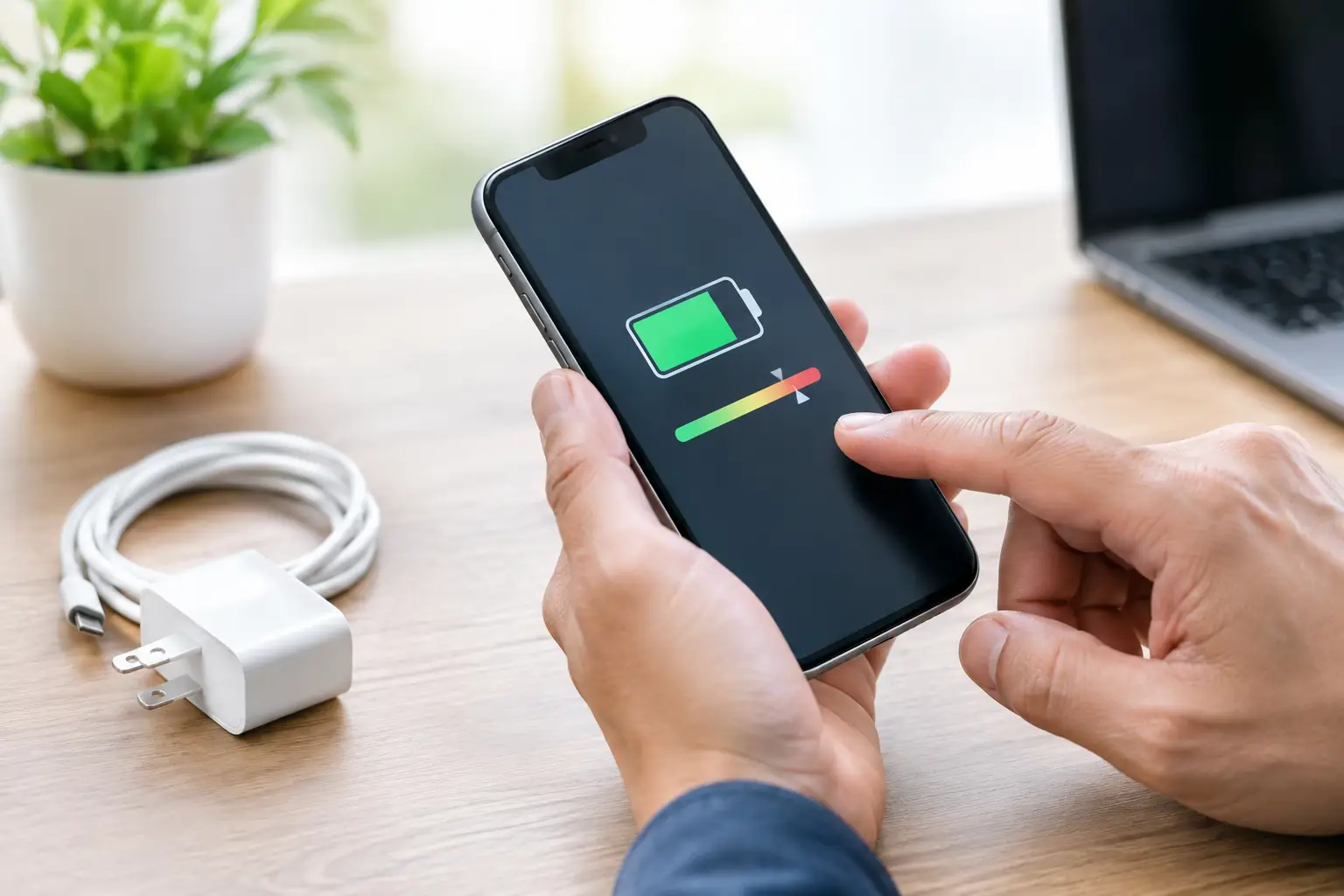
A phone that drops from 30% to 5% during a call is not just inconvenient. It can stop you using banking apps, scanning a ticket, answering work messages or finding your way home. Battery health checks help identify whether the battery is genuinely worn out, whether charging is the issue, or whether another fault is affecting your device.
A battery does not normally fail all at once. Most lithium-ion batteries lose capacity gradually through everyday charging, heat and age. The key is recognising the change early, before your phone becomes unreliable at the worst possible moment.
What battery health checks actually tell you
Battery health is a measure of how much charge your battery can still hold compared with when it was new. A battery at 100% health should be close to its original capacity. As that percentage falls, the phone may need charging more often, lose power faster in cold weather and struggle with demanding tasks such as video calls, navigation or gaming.
Battery health is not the same as the percentage shown at the top of your screen. A phone showing 80% charge may still have a weak battery if its maximum capacity has fallen significantly. Equally, a healthy battery can appear flat when a damaged charging cable, blocked charging port or faulty adaptor has prevented it from charging properly.
A proper check looks at the whole picture: battery capacity, charging behaviour, temperature, performance and the condition of the device. That matters because replacing a battery will not solve every charging or power problem.
Signs your phone battery may need attention
The clearest sign is a shorter battery life than you used to get. If a full charge used to last until bedtime and now struggles to reach lunchtime with the same use, the battery may be wearing down. One poor day is not enough to diagnose a fault, especially after a software update or a day of heavy mobile data use. Consistent decline is more meaningful.
Unexpected shutdowns are another warning. If your phone switches off while it still shows 10%, 20% or more, the battery may no longer be able to deliver stable power. This is especially common in colder conditions, when an ageing battery has to work harder.
Watch for slow charging too. It can be battery-related, but it often has another cause. Lint compacted inside the charging port, a worn cable, a low-power plug or moisture damage can all make charging feel painfully slow. A technician should check these possibilities before recommending a replacement.
Heat deserves prompt attention. Phones can warm up during charging, video streaming or navigation, but excessive heat when the device is doing very little is not normal. Remove the charger, stop using the device for a while and have it inspected if the issue repeats. Never continue using a phone with a swollen battery, a lifting screen or a back cover that is starting to separate. A swollen battery needs professional handling.
How to carry out battery health checks at home
For many iPhones, open Settings, then Battery, then Battery Health & Charging. The Maximum Capacity figure gives a useful starting point. Apple may also display a service message if performance management is active or the battery needs attention.
Android phones vary by brand and model. Some Samsung devices provide battery diagnostics through the Samsung Members app, while other Android manufacturers show battery information in their own device-care settings. On some models, the built-in menu does not give a simple health percentage. That does not mean the battery is fine or faulty – it simply means a professional test may be more useful than an app estimate.
Start by checking whether the battery drains unusually quickly over several normal days. Look in battery settings to see which apps use the most power. A navigation app, poor signal, constant background syncing or a bright screen can drain even a healthy battery. If one app is using far more power than expected, update it, restrict background activity where appropriate, or remove and reinstall it.
Then test the charging basics. Use a known-good cable and plug, preferably the original or a reputable compatible charger. Check that the cable fits securely and inspect the charging port under good light. Do not push metal tools into the port. Damage to the small internal contacts can turn a simple clean into a more costly repair.
Restart the phone and install pending system updates. Software issues can occasionally affect battery reporting or cause unusual background activity. If the problem continues after these checks, the battery, charging port or internal power system should be diagnosed.
When is a battery replacement worth it?
There is no single percentage that applies to every device. As a general guide, a battery health reading around 80% or below often means a replacement is worth considering, particularly if the phone is no longer lasting through a typical day. For someone who only uses their handset for calls and messages, 80% may still be manageable. For a delivery driver relying on maps, a student using digital timetables, or a business team using phones throughout the day, that same level can cause real disruption.
A replacement is often the most cost-effective option when the phone is otherwise in good condition. A new battery can restore practical daily runtime and reduce the need to carry a power bank everywhere. It is also a sensible choice if you intend to keep the device for another year or two.
There are trade-offs. If the screen is badly damaged, the charging port is unreliable and the device no longer receives essential software support, it may be better to discuss the overall condition of the phone before investing in several repairs. The best decision depends on the model, the fault, the repair cost and how you use the device.
For company devices, battery health checks are particularly useful as preventative maintenance. A staff phone that loses power during a site visit or on-call shift costs more than a battery replacement. Checking older handsets before they become unreliable can reduce downtime and make replacement planning more predictable.
Why a professional diagnosis can save money
Phone batteries are sealed inside the device. Opening a modern smartphone requires the right tools, careful handling and a suitable replacement part. Poor-quality batteries can perform badly, display inaccurate charge levels or create safety concerns. Incorrect fitting can also damage the screen, seals, cables or wireless charging components.
A professional diagnosis should distinguish between a worn battery and a charging fault. For example, a phone that only charges at a certain angle may need a port repair rather than a battery. A device that drains quickly after getting wet may have corrosion on internal components. A phone that stays warm and loses charge overnight could have a software or board-level issue.
At Logiexpert Smartphone Repairs, the device can be assessed before work begins, so you have a clearer idea of what is causing the problem. This is especially helpful with multi-brand devices, where settings, parts and repair methods differ between Apple, Samsung, Google, Xiaomi, Huawei, Oppo, OnePlus and other models. If we cannot fix it, you do not pay.
Habits that help your replacement battery last
You do not need to charge your phone in a perfect way to look after it. Modern devices are designed for daily use, and charging overnight is usually manageable with a good charger and a healthy device. The bigger concern is prolonged heat.
Avoid leaving your phone on a sunny dashboard, under a pillow while charging or near a radiator. Heat accelerates battery wear. Remove a thick case if the phone becomes noticeably hot during charging, and avoid intensive gaming or video recording while it is plugged in.
Use reliable charging accessories and keep the port clean. Cheap or damaged cables can lead to unstable charging, while repeated force on the connector can damage the port. If your phone supports optimised or adaptive charging, leave that feature enabled. It can reduce the time the battery spends sitting at a full charge.
Do not wait until your handset is unusable. A battery that begins to drain faster is giving you time to act. Arrange a check while the phone can still be backed up, while you can choose a convenient repair time, and before a small issue interrupts a day that depends on it.
Lascia un commento