
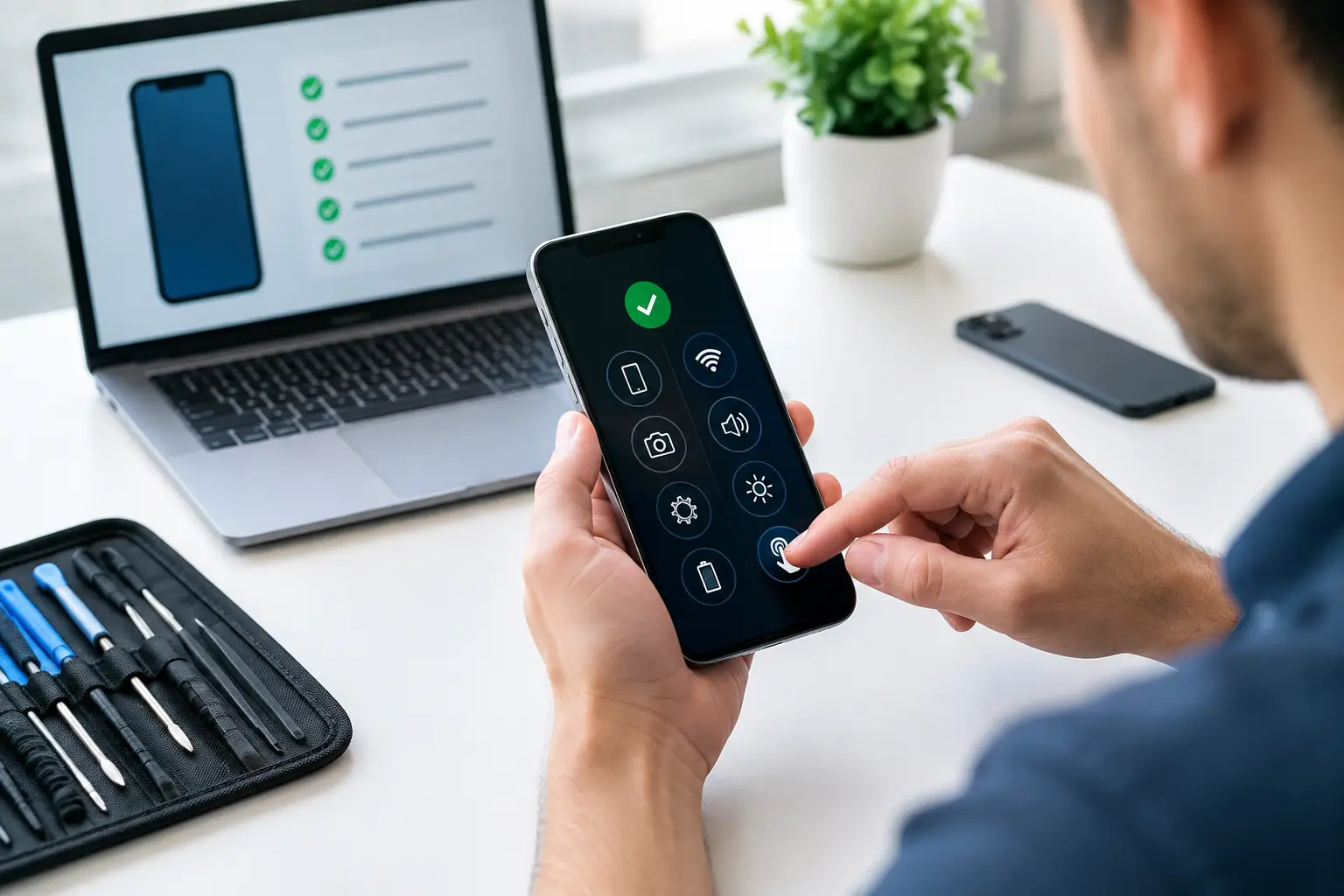
Your phone may charge only when the cable is held at a certain angle. It may lose battery power before lunchtime, restart without warning, or show a black screen while still making sounds. A free phone diagnostic service is the practical first step when the cause is unclear. Rather than guessing which part needs replacing, an experienced technician checks the fault, explains what is happening and advises whether repair is worthwhile.
For many people, a phone is not simply a device. It is how you access banking, work messages, family photographs, navigation and appointments. Getting a clear answer quickly can save both money and unnecessary disruption.
What happens during a free phone diagnostic service?
A proper diagnostic begins with the symptoms you have noticed. When did the problem start? Did the phone fall, get wet, receive a software update or begin behaving differently after a new cable or accessory was used? These details help narrow down the possible causes before any repair work starts.
The technician then checks the relevant parts of the device. For a charging issue, that may include the charging port, cable connection, battery condition and power-management behaviour. For a display problem, it may involve checking the screen, touch response, connectors and signs of impact damage. Software faults can require a review of storage space, updates, settings and system errors.
The aim is simple: identify the real fault and provide a straightforward repair recommendation. You should know what needs attention, what the repair is likely to cost and whether there are sensible alternatives before agreeing to work.
A diagnosis is especially useful because similar symptoms can have very different causes. A phone that will not charge might have a worn battery, compacted dust in the port, a damaged charging connector or a faulty charger. Replacing the battery without checking first could leave you with the same problem and an unnecessary bill.
Common faults a phone diagnostic can identify
Battery problems that are more than poor battery life
All rechargeable batteries lose capacity over time. If your phone goes from 40% to empty quickly, becomes unusually warm, shuts down in cold weather or needs charging several times a day, the battery may be worn.
However, battery drain is not always a battery fault. A recently installed app, weak signal coverage, background activity or an outdated operating system can also affect usage. A diagnostic helps separate normal wear from a problem that needs a battery replacement. Where replacement is the right answer, quality parts and warranty-backed work matter.
Charging faults and loose connections
A charging port collects pocket lint and debris surprisingly quickly. This can stop the cable seating fully, making charging unreliable or slow. In some cases, careful cleaning resolves the issue. In others, the port itself is damaged and needs replacing.
The same symptom can also come from a failing cable, plug adaptor or battery. This is why a free phone diagnostic service should check the wider charging system rather than immediately replacing a component.
Cracked screens, black displays and touch issues
A cracked screen is visible, but the full extent of the damage is not always obvious. Some displays continue working after a drop, while others develop dark patches, flashing lines, dead areas or unreliable touch response days later. A technician can assess whether the issue is limited to the screen assembly or whether the impact may have affected other internal parts.
If the display is black but the phone still vibrates, rings or receives notifications, the device may be operating normally behind a failed screen. This is often repairable, and it may be possible to protect or transfer your data before further work.
Water damage and unexplained behaviour
Modern phones may have water resistance, but that does not mean they are waterproof forever. A damaged seal, an older device or prolonged exposure can allow moisture inside. Warning messages, distorted sound, camera fogging, random restarts and charging failures can all follow liquid contact.
Speed matters here. Avoid charging a wet phone or repeatedly switching it on to test it. A diagnostic can reveal corrosion or affected components, although water damage is one area where the final outcome depends on how much liquid reached the internal circuits and how quickly the device is checked.
Software, storage and performance issues
A slow phone does not automatically need replacing. Full storage, ageing software, failed updates and corrupted settings can cause freezing, app crashes and poor performance. A technician can advise whether a software update, reset, cleaning of storage or data transfer is the most sensible route.
Before a reset, make sure valuable data is backed up where possible. Photos, messages, authenticator apps and business files can be difficult to recover after an unnecessary reset. The right diagnosis protects your information as well as your device.
Why free diagnostics make repair decisions easier
The main benefit is clarity. You do not have to walk in knowing technical terms or deciding which repair to request. Explain the problem in plain language and let the assessment guide the next step.
It also helps you judge value. Repair is often the more affordable option when the phone is otherwise in good condition, particularly for a screen, battery, charging port or back-cover issue. On the other hand, if a device has several serious faults, extensive water damage or an older model with limited software support, replacement could be more sensible. An honest diagnostic should make that trade-off clear.
For companies, diagnostics prevent avoidable downtime across a fleet of devices. A staff member without a working phone may be unable to access delivery details, two-factor authentication, customer calls or field-service systems. Quick fault identification makes it easier to approve repairs, arrange replacements and keep people working.
What to bring and what to ask
Bring the phone, and bring the charger if the issue involves charging or intermittent power. If you know the passcode, have it available, as some tests may require access to settings. If you are concerned about privacy, ask which checks require device access and whether you can enter the passcode yourself.
It is also worth telling the technician about previous repairs, accidental drops, liquid exposure and recent software changes. A small detail can make a major difference to the diagnosis.
Before proceeding with a repair, ask whether the quoted price includes parts and labour, what warranty applies, how long the repair is expected to take and whether your data is likely to be affected. Clear answers are a sign of a repair service that takes accountability seriously.
When you should not wait for a diagnostic
Some faults need prompt attention. Stop using and charging the phone if the battery is swollen, the screen is lifting away from the frame, the device becomes extremely hot, or there is a burning smell. These can be battery safety concerns.
Likewise, do not keep charging a phone after significant water exposure. Switch it off if possible and arrange an assessment. Trying different chargers or leaving it connected overnight can make internal damage worse.
Repair with a clear next step
At Logiexpert Smartphone Repairs, a free assessment is designed to give Maarssen customers a clear route forward, not pressure them into work they do not need. Whether the fault is simple cleaning, a replacement part, software support or a more complex repair, the focus is on getting your device back into dependable use. If it cannot be fixed, you do not pay for a repair that has not delivered a result.
Do not let an unreliable phone become the device you keep restarting, shaking or borrowing a charger for. A quick diagnostic can turn a frustrating symptom into a practical answer – and help you decide what to do with confidence.
Lascia un commento