
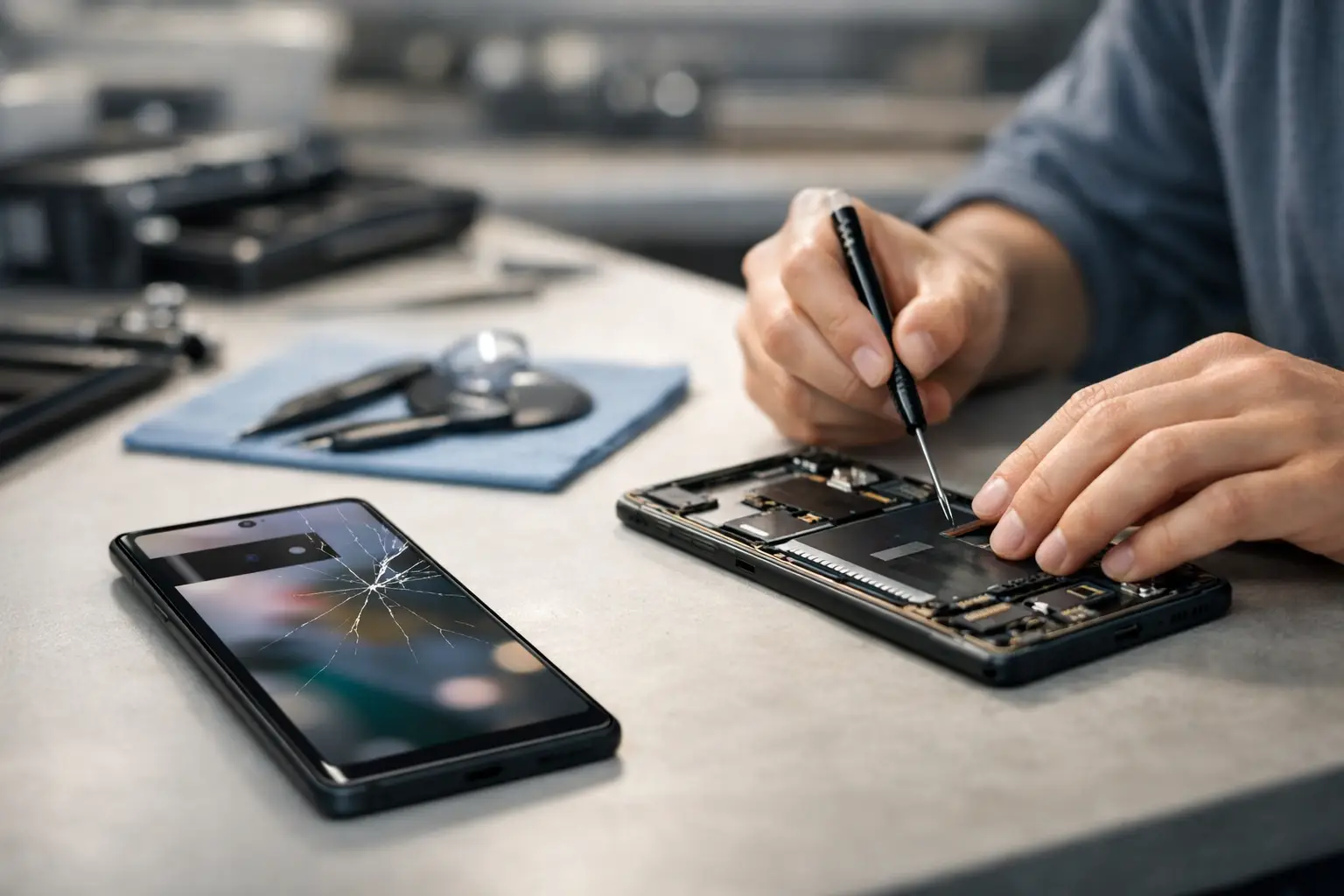
A Pixel screen can fail in more than one way. A visible crack is the obvious problem, but a phone with no cracks can still develop black patches, flashing, dead pixels or touch areas that no longer respond. Google Pixel screen repair is about restoring the part of the phone you use most, without creating fresh problems with display quality, fingerprint access or water resistance.
For most people, the decision is practical. Your Pixel is where you read work messages, approve banking requests, check routes, take photos and keep in touch with family. If the display is damaged, every task takes longer. A professional assessment can show whether the screen is the only issue and whether repair is the sensible alternative to replacing the whole phone.
What a damaged Pixel screen can look like
A cracked outer glass panel does not always mean the display underneath has failed. You may still see a clear image and use the touchscreen normally. Even so, cracks can spread quickly, collect dirt and moisture, and leave sharp edges around the display. A small crack near the corner can become a full-screen problem after one more knock in a bag or pocket.
Other faults are less obvious. An OLED display may show an inky black area after an impact, even when the glass looks nearly intact. Green or pink lines, flickering brightness and a screen that turns on only intermittently can also point to display damage. If touch input is unreliable, you may find that typing, answering calls or entering your passcode becomes frustratingly difficult.
A screen issue can sometimes be confused with a software fault. If the display remains black but the phone vibrates, rings or makes notification sounds, the Pixel may still be running normally behind a failed screen. If it has taken a hard fall, however, a technician should also check for frame damage, loose connections and damage to other internal components.
Google Pixel screen repair: repair or replace?
Screen replacement is usually worthwhile when the phone is otherwise reliable, receives the software support you need and has enough storage and battery life for daily use. This is often the case with a Pixel that is only a few years old and has suffered one unlucky drop.
It may be worth looking at the wider condition of the device if the screen is damaged alongside a weak battery, bent housing, charging fault or camera problem. That does not automatically make repair a bad choice. Combining necessary work can still cost less than buying another handset, especially when the rest of the phone suits your needs. The right answer depends on the model, the extent of the damage and how you use it.
A clear quote after diagnosis matters more than a guess made from a photograph. Screen faults vary between Pixel models, and the price reflects the specific display assembly and the work needed to fit it correctly. At Logiexpert Smartphone Repairs, diagnostics are free, so you can understand the fault before deciding how to proceed. If we cannot fix it, you do not pay.
Why the quality of the replacement screen matters
Not all replacement screens perform in the same way. A cheaper part can be tempting when the glass is shattered, but the screen is not simply a piece of glass. It affects brightness, colour accuracy, touch response, viewing angles and how comfortably you can use the device outside.
Google Pixel phones commonly use OLED displays. A poor-quality replacement may look dimmer, show less natural colours or have touch sensitivity that feels slightly delayed. On models with an in-display fingerprint sensor, the choice of part and careful fitting are especially important. A screen that looks acceptable at first can become a false economy if fingerprint recognition becomes inconsistent or display quality disappoints every day.
A professional repair also involves more than placing a new panel on the phone. The old adhesive must be removed carefully, internal connectors checked, the replacement aligned properly and the device tested after reassembly. Where seals have been opened, water resistance can be affected. No repairer should promise that a previously opened phone will perform exactly like a factory-sealed device in water, so it remains sensible to keep a repaired phone away from rain, spills and bathrooms where possible.
What happens during a professional screen replacement
The process starts by confirming the fault. A technician checks whether the image, touch function, charging and buttons work as expected, and looks for signs that the impact has affected the frame or back cover. This avoids fitting a screen only to discover that another fault was present from the start.
Once the repair is approved, the damaged display is removed with the appropriate tools and the phone is cleaned before the replacement part is fitted. The technician reconnects the display, checks the picture and touchscreen response, then tests practical functions such as brightness control, proximity behaviour during calls and fingerprint operation where applicable.
Turnaround depends on the Pixel model and part availability. Straightforward work can often be completed quickly, but a careful repair is preferable to a rushed one. If your phone is essential for work, study or family arrangements, ask about the expected timing before booking. Businesses with several affected devices can also benefit from arranging repairs around staff availability, reducing unnecessary downtime.
Protect your data before handing over your Pixel
A screen replacement does not normally require a reset, and a reputable repair service should treat your information with care. Still, backing up your phone is good practice whenever it is possible. Save photos, contacts, messages and authenticator details before the appointment, particularly if the screen still responds to touch.
If the display is unusable but the phone is switched on, do not repeatedly force-restart it unless advised. Your data may still be safe, and a working replacement screen can give you access again. Tell the technician if you have important files, business apps or two-factor authentication on the device. This helps them recommend the safest next step.
You may be asked to remove your SIM card or disable a screen lock for testing. Only do this with a repair business you trust, and ask why access is needed. For many checks, the technician can test the display without accessing personal content. Clear communication protects both you and the repairer.
Avoid making the damage worse
A cracked Pixel can remain usable for a while, but it needs care. Fit a temporary screen protector if the surface is stable, keep the phone dry and avoid pressure in tight pockets or under heavy items. Do not use household glue or tape around the display. Glue can seep into buttons, speakers and sensors, making a later repair more difficult.
If the screen is lifting away from the frame, stop using it and arrange an inspection promptly. A lifting display can result from impact damage, but it can also indicate battery swelling. Swelling is a safety issue, not a cosmetic one. Do not press the screen back into place, puncture the battery or continue charging the phone unattended.
Choosing a repair service with confidence
The best repair is one that solves the actual problem and leaves you confident using the phone again. Look for clear pricing, a diagnosis before unnecessary work, high-quality parts and technicians who will explain the trade-offs in plain language. Warranty cover is also valuable because it shows that the repairer stands behind the work carried out.
Speed matters, but it should not mean cutting corners. A properly fitted replacement display should give you a sharp image, responsive touch controls and a phone that feels dependable again. Whether the damage is a single crack or a display that has gone completely black, getting it assessed early gives you more options and less disruption to your day.
Your Pixel does not need to stay in a drawer because of one damaged screen. Bring it in for a clear diagnosis, protect any data you can before the visit, and choose a repair that puts daily usability first.
Lascia un commento