
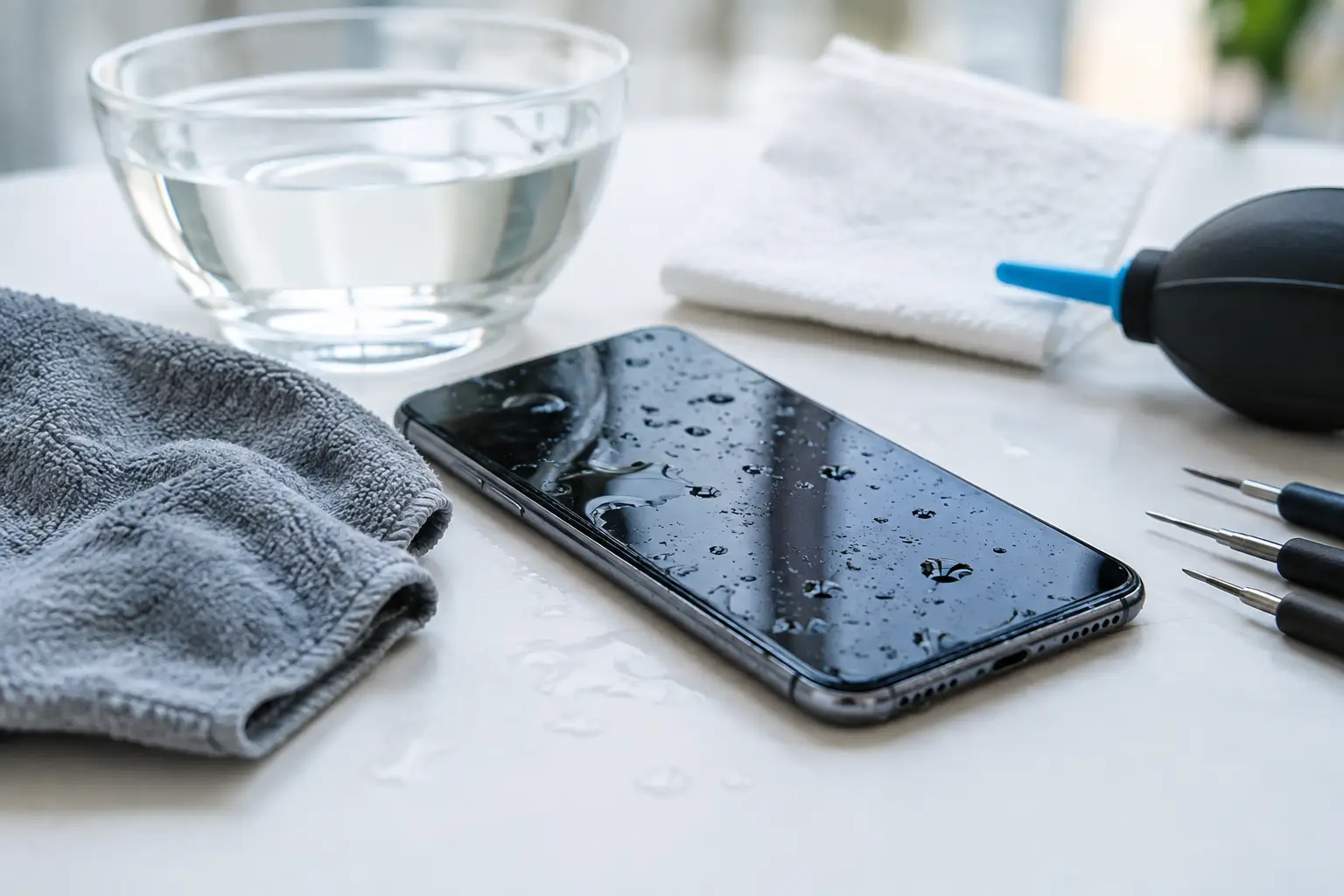
A phone dropped in a sink, caught in heavy rain or left in a damp bag can look perfectly normal at first. Water damaged phones can still suffer corrosion and short circuits hours or days later, even if the screen lights up and the phone appears to work. The first few minutes matter, but so does avoiding the wrong fix.
What to do immediately after water exposure
Take the phone out of the water straight away and switch it off. Do not test the camera, reply to messages or plug it in to see whether it charges. Electricity and moisture are a bad combination, and powering a wet device can turn a repairable fault into damage to the main board.
Remove the case, SIM card and any removable accessories. If your model has a removable battery, take it out too. Gently dry the outside with a clean, lint-free cloth, paying attention to the charging port, speaker openings, buttons and SIM tray. Hold the phone with the port facing down and allow any surface water to drain naturally. Do not shake it aggressively, as this can push liquid further inside.
Once the outside is dry, leave the device switched off. Keep it in a dry, well-ventilated place at room temperature and arrange a professional assessment as soon as possible. Quick action gives the best chance of protecting both the phone and the data stored on it.
What not to do with water damaged phones
Many well-meant home remedies cause more harm than the original spill. Rice is the best-known example. It may absorb some moisture from the air around the phone, but it does not reliably remove liquid trapped beneath shields, connectors or the battery. Rice dust can also enter ports and openings.
Avoid using a hairdryer, oven, radiator or direct sunlight. Strong heat can damage the battery, screen adhesives, seals and delicate internal components. Compressed air is not a solution either, because it can force moisture deeper into the device.
Do not charge the phone, connect it to a computer or use wireless charging until it has been inspected. A phone that seems dry externally may still have liquid around its charging circuit or battery connector. Also resist the urge to repeatedly switch it on. One quick check can be enough to create a short circuit.
Why a phone can fail days after getting wet
Clean water is less damaging than salt water, fizzy drinks, coffee or soapy water, but no liquid exposure should be ignored. Drinks and seawater leave conductive residue behind. That residue can continue to attack metal contacts and components after the moisture has evaporated.
This process is called corrosion. It can affect the charging port, microphones, cameras, display connectors and main board. A phone might initially work, then develop a foggy camera lens, distorted sound, charging problems, a rapidly draining battery or a screen that flickers without warning.
Water resistance does not remove this risk. Modern phones may be rated to withstand limited fresh-water exposure under controlled conditions, but seals wear over time and can be weakened by drops, previous repairs or everyday use. Water resistance is useful protection, not a guarantee that a phone will survive every accident.
When professional cleaning is the sensible choice
If the device was fully submerged, exposed to seawater or a drink, or is showing any unusual behaviour, professional cleaning is the sensible next step. The same applies if the phone will not turn on, will not charge, has a dim or flickering display, or shows a moisture warning.
A proper repair begins with diagnosis, not guesswork. A technician can safely open the device, check for liquid indicators and corrosion, disconnect the battery, inspect vulnerable areas and clean affected components. The aim is to stop further damage and establish whether individual parts, such as the charging port, battery, screen or camera, need replacing.
There is no honest way to promise that every liquid-damaged phone can be restored. The result depends on the type of liquid, how long it remained inside, whether the device was powered on and which components were affected. However, prompt professional attention often makes a significant difference, especially before corrosion has spread.
For customers in Maarssen and nearby, Logiexpert Smartphone Repairs provides a free diagnosis before repair work begins. If a device cannot be fixed, you do not pay for the repair. That gives you a clear answer before committing to unnecessary costs.
Protecting your photos, messages and work files
For most people, the phone itself is only part of the concern. Photos, WhatsApp conversations, banking access, work contacts and authentication apps can be more difficult to replace than the handset.
If the phone is still working after it has been professionally assessed and declared safe to power on, back up important data immediately. Use a trusted cloud backup where available, or transfer files to another device. Do not delay this simply because the phone appears stable. Liquid damage can be unpredictable.
If the display has failed but the phone still powers up, data recovery may still be possible. In some cases, fitting a temporary screen or repairing a damaged charging connection is enough to access and transfer your information. The right option depends on the model, its security settings and the condition of the main board.
Businesses should act particularly quickly. A water-damaged work phone can interrupt access to customer calls, delivery routes, two-factor authentication and email. Keeping a managed backup routine and a spare device available can limit disruption when an accident happens.
Is repair worth it or should you replace the phone?
The answer depends on the age and value of the phone, the extent of corrosion and the cost of the parts required. If cleaning and a single replacement part restore a recent phone, repair is often the more affordable and less wasteful choice. It also avoids the time involved in setting up a replacement handset from scratch.
Replacement may make more sense when liquid has reached the main board and several parts have failed, particularly on an older budget device. Even then, diagnostic work can be worthwhile if important data needs recovering or if you need certainty before buying a new phone.
Ask for a clear explanation of the fault, the recommended repair and the expected cost. A reliable repair service should help you make a practical decision rather than pressure you into a repair that does not suit the condition of your device.
Reducing the risk next time
A protective case with raised edges helps with drops but will not make a phone waterproof. For wet work, cycling in heavy rain, boating or holidays near the sea, use a properly sealed waterproof pouch. Check the pouch for wear and test it before trusting it with your phone.
Keep drinks away from charging areas and avoid leaving phones in bathrooms, on pool edges or in damp coat pockets. If your charging port regularly collects lint, have it cleaned rather than poking into it with metal objects. A clean, undamaged port and intact seals offer better day-to-day protection.
If an accident does happen, stay calm, switch the phone off and keep it away from power. Fast, careful action is far more useful than rice, heat or hopeful charging. A timely diagnosis can give your phone, your data and your daily routine the best chance of recovery.
Lascia un commento