
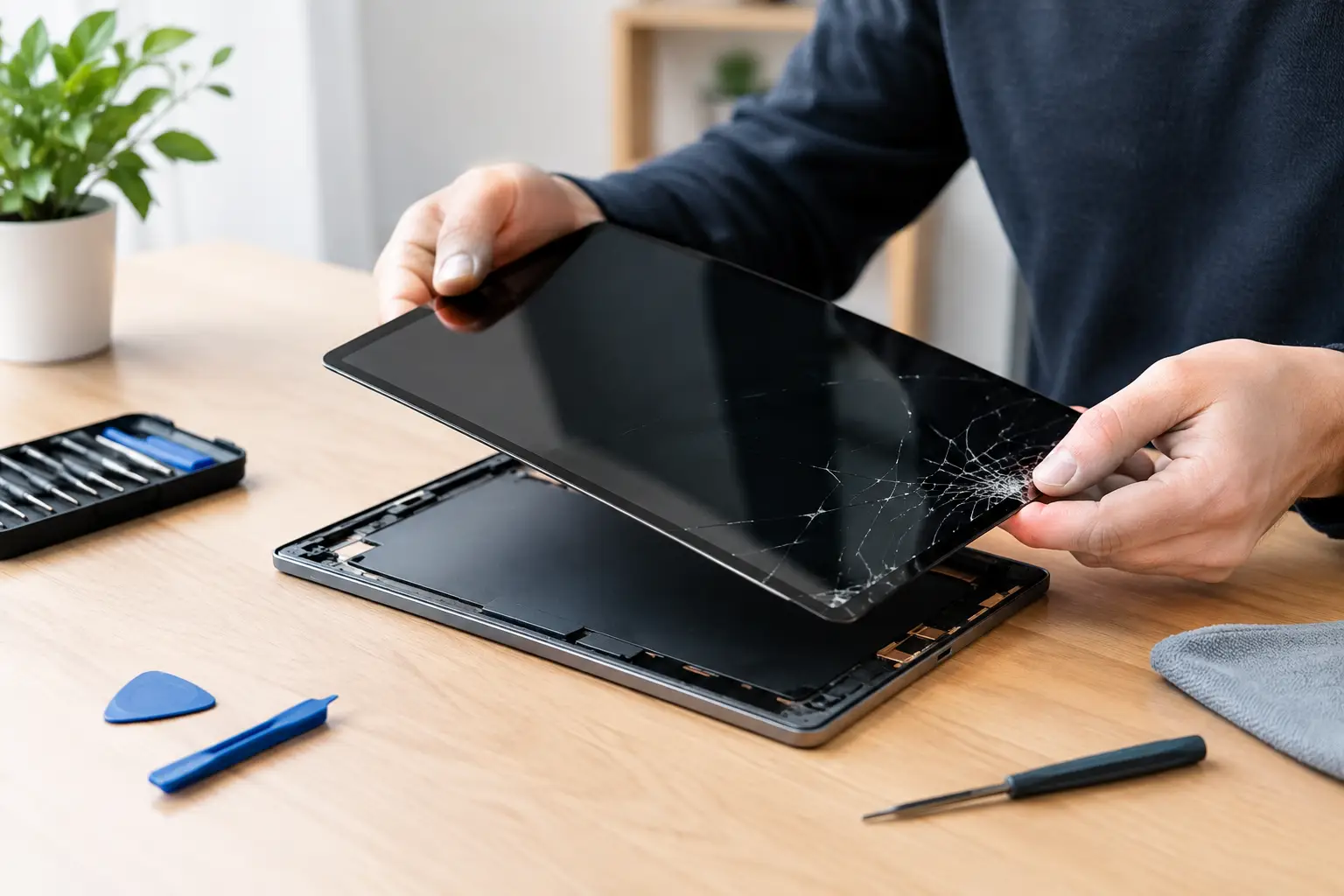
A tablet screen can crack in one unlucky moment: it slips from the sofa, meets a tiled floor, and suddenly every swipe feels like a risk. So, can I replace my tablet screen? In many cases, yes. But whether it is sensible to replace it yourself, or safer to have it repaired by a technician, depends on the damage, the model, and the value of the device.
A cracked display is not always just a cosmetic problem. Sharp glass can cause cuts, moisture can enter the tablet, and an initially small crack can spread across the screen. If the display flickers, shows black patches, has coloured lines, or stops responding to touch, the issue is likely deeper than the outer glass.
Can I Replace My Tablet Screen Myself?
You can replace a tablet screen yourself if you have the correct part, the right tools, patience, and experience working with small electronics. Some older or simpler tablets are more straightforward to open. However, modern tablets are usually built with strong adhesive, delicate display cables, compact batteries, and tightly fitted frames. One rushed step can turn a screen repair into a more expensive device repair.
The biggest question is not simply whether the screen can be changed. It is whether the repair can be completed without damaging another part. On many models, the glass, touch layer, and display panel are bonded together. That means replacing only the cracked glass is often impractical. The whole screen assembly may need to be fitted.
DIY repair can make sense when the tablet is older, out of warranty, and you are comfortable handling electronics. It may also suit someone who accepts the risk of a failed repair. For a newer iPad, Samsung Galaxy Tab, Lenovo tablet, or business device that you rely on every day, professional repair is normally the safer choice.
Check What Is Actually Damaged First
Not every cracked screen needs the same repair. A tablet has several layers, and the correct solution depends on which one has failed.
If the image is clear and the touchscreen works normally, you may only have damage to the front glass. Even then, a crack can weaken the screen and allow dust or moisture inside. If touch controls no longer respond in certain areas, the digitiser may be damaged. If the screen is dark, has blotches, flashes, or displays lines, the LCD or OLED panel is likely affected and a full display replacement is usually required.
There are also cases where the screen looks fine but the tablet will not turn on. This could be a flat battery, a charging-port fault, a software issue, or internal damage from the drop. Replacing the screen without a proper diagnosis could waste money and leave the original problem unresolved.
A free diagnostic check is useful here. It confirms what has failed before parts are ordered or work begins, which makes the repair decision clearer and helps avoid unnecessary costs.
Why Tablet Screen Repairs Are More Delicate Than They Look
Online repair videos can make a tablet screen replacement look quick. In reality, the video often skips the preparation, the risk of breaking hidden clips, and the care needed to refit seals and adhesive correctly.
Heat is usually needed to soften the adhesive holding the display in place. Too much heat can damage the battery, display, frame, or nearby components. Too little heat makes the screen difficult to lift and increases the chance of bending the chassis or snapping the panel. Once inside, display cables must be disconnected carefully. They are small, fragile, and not designed for repeated handling.
After fitting a replacement screen, the technician should test touch response across the full display, brightness, cameras, speakers, charging, buttons, Wi-Fi, and fingerprint or face-unlock functions where applicable. A tablet may appear fixed at first but develop problems later if the screen is poorly seated or a cable has been pinched.
Water resistance is another consideration. Tablets with factory seals may lose some protection after opening unless the device is reassembled with the correct materials and care. No screen repair should promise that a previously water-resistant device will remain fully waterproof after damage and repair.
Choosing Between Repair and Replacement
A screen repair is often worthwhile when the tablet is otherwise working well, receives software updates, and still meets your needs. This is particularly true for tablets used for schoolwork, video calls, banking, work apps, travel, or family entertainment. Replacing a screen can cost far less than buying a comparable new device.
It may be better to replace the tablet when it has several faults at once. For example, a heavily cracked display combined with a weak battery, charging problems, bent frame, and outdated software may make a new device the more sensible investment. The same applies if the repair cost approaches the current value of the tablet.
For business devices, the calculation is slightly different. Downtime has a cost too. A tablet used for deliveries, customer sign-in, stock checks, presentations, or field work can disrupt a whole team when it fails. Fast, reliable repair may be better value than waiting for a replacement device to be set up and deployed.
What Affects the Cost of Replacing a Tablet Screen?
Tablet screen repair prices vary because tablets are not built in the same way. The brand and exact model matter, but so does the type of panel, part availability, size of the display, and whether the frame has also been damaged.
An original-quality OLED display for a premium tablet will cost more than a standard LCD panel for an entry-level model. Newer devices can also have integrated components that need transferring or calibration. If the frame is bent after a drop, it may need attention before a new screen can sit flat. Fitting a screen onto a damaged frame can cause pressure points and lead to another crack.
The cheapest quote is not always the best value. Low-quality panels can have poor brightness, inaccurate colours, weak touch sensitivity, or a shorter lifespan. A good repair should use a suitable quality replacement part, be tested properly, and come with a clear explanation of what is covered after the work is complete.
Protect Your Data Before the Repair
Screen damage does not always affect your files, but it is wise to protect your data before handing over any device. Back up photos, documents, notes, app data, and contacts if the tablet still responds. Use your usual cloud backup or transfer essential files to another device.
If the screen is too damaged to use but the tablet still switches on, a repair technician may be able to help assess options. Do not repeatedly force the device to charge or restart if it becomes hot, smells unusual, or shows signs of battery damage after a fall. In that situation, stop using it and arrange an inspection.
You should also remove any case, SIM card, memory card, and stylus before the repair unless you have been asked to leave them with the device. Make a note of the passcode only if it is genuinely needed for testing, and ask how your privacy will be handled. A professional repair service should only access what is necessary to test the completed work.
When You Should Not Keep Using a Cracked Tablet
It is tempting to keep using a tablet with a minor crack, especially if it still works. But stop using it if glass is lifting, sharp pieces are coming away, the display is separating from the frame, or the tablet heats up after the drop. A lifted screen can sometimes indicate a swollen battery, which needs prompt attention.
Keep the tablet dry, avoid pressure on the damaged area, and do not cover a heating device with blankets or cushions while it charges. A temporary screen protector may help contain a very small surface crack, but it does not repair the damage or prevent underlying display problems from worsening.
A Safer Route to a Working Tablet
A cracked tablet screen is usually repairable, but the best route depends on more than the crack itself. The right part, careful fitting, thorough testing, and an honest assessment of the device’s overall condition make the difference between a quick fix and a reliable repair.
For tablet owners in and around Maarssen, Logiexpert Smartphone Repairs can assess the damage before work starts and provide a practical repair option for a wide range of brands. If we cannot fix it, you do not pay. A clear diagnosis and quality repair can get your tablet back to work, school, and everyday life without the cost and disruption of replacing it too soon.
Lascia un commento