
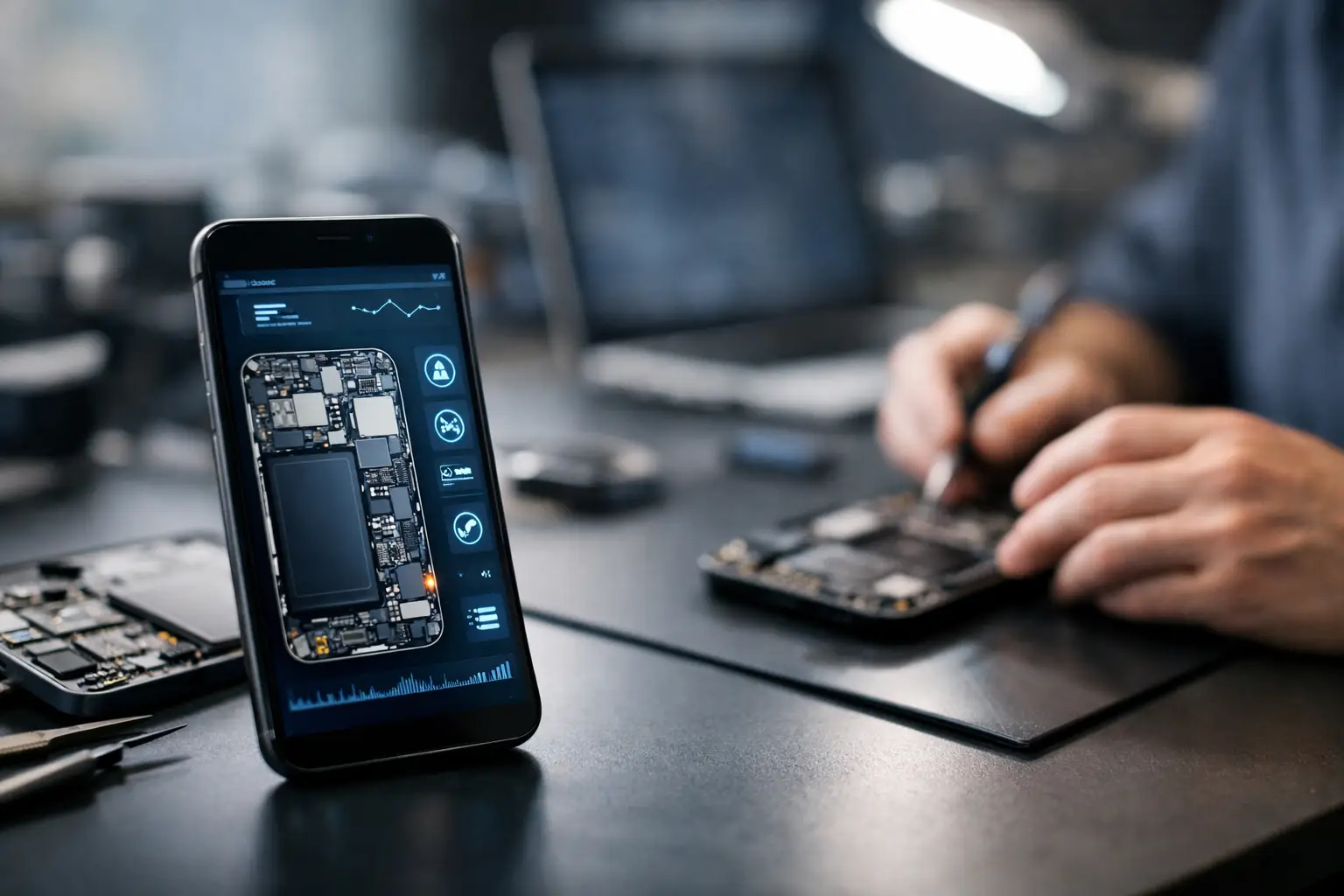
A phone that will not charge at 7am can become a missed train ticket, an inaccessible banking app, or a workday without two-factor login. Device diagnostics are the step that turns that frustrating symptom into a clear answer: what has failed, whether it can be repaired, and what the sensible next move looks like.
At Logiexpert Smartphone Repairs, we start by finding the cause rather than guessing from the symptom. A device that will not switch on does not automatically need a new battery. A black screen is not always a broken display. Accurate checks protect you from unnecessary work, unexpected costs and more time without the device you rely on.
Why device diagnostics come before a repair
Many mobile faults look similar from the outside. For example, a phone may appear dead because the battery has worn out, but the actual issue could be a damaged charging port, a faulty cable, water damage, a software crash or a failed internal component. Replacing the wrong part may make no difference at all.
A proper diagnosis narrows down the fault before a repair is approved. Our technicians check how the device responds to power, whether it draws charge correctly, whether the screen and touch functions react, and whether software or hardware is causing the problem. The goal is simple: provide a practical recommendation based on the condition of your device.
This matters even more when the fault is intermittent. Perhaps your Samsung charges only when the cable is held at a certain angle. Maybe an iPhone restarts randomly, or a tablet loses battery power much faster than it used to. These issues can be difficult to identify from one quick look. Testing the right functions helps separate a worn component from dirt, a loose connection or a software setting.
Free diagnostics also give you room to decide. Once you know what is wrong and what the repair involves, you can weigh the cost, the age of the device and how urgently you need it back. If we cannot fix it, you do not pay for a repair that has not solved the problem.
What happens during device diagnostics?
The checks depend on the device and its symptoms. There is no benefit in running the same test on every phone when the problem is clearly linked to charging, camera use, overheating or a cracked screen. A focused approach is faster and produces a more useful result.
For a device that will not power on, the technician may inspect the charging connection, test the battery response and check whether the handset shows any signs of life when connected to a known working power source. If a display is damaged, the device may still be running in the background. Vibration, sound or notification activity can point towards a screen fault rather than a complete power failure.
When charging is the concern, the port is inspected for compacted dust, bent contacts, corrosion and wear. Pocket lint can prevent a cable from seating properly and may look like a major fault. Cleaning may be enough in some cases. If the port itself is loose or damaged, a charging-port repair can be the more reliable answer.
Battery checks look at more than the percentage shown on screen. A phone that drops from 40% to 5%, shuts down in cold weather or needs several charges each day may have a worn battery. However, heavy background activity, an outdated operating system or a problematic app can also affect battery life. The right repair depends on what the testing shows.
Software diagnostics are equally useful. Freezing, repeated restarting, failed updates and storage warnings can often be addressed without replacing hardware. A software update, careful reset or data transfer may restore normal use. Where a reset is needed, it is important to discuss your photos, contacts, messages and business files first. A reset can remove data, so it should never be treated as a casual first step.
Common faults and what they can mean
A cracked screen is visible, but the full damage is not always obvious. The glass may be broken while the display and touch layer still work, or there may be hidden issues such as dark patches, flickering, dead touch areas or a frame that no longer sits correctly. Checking the whole screen assembly helps ensure the repair addresses the actual damage.
Back-cover damage can be more than cosmetic, especially if the cover is lifting. On some phones, a lifting back cover can indicate a swollen battery. That needs prompt attention. Do not press the cover down, puncture it or continue charging the device unattended. Switch it off where possible and arrange an assessment.
Water exposure is another situation where speed and diagnosis matter. A phone can seem fine just after being dropped in water, then develop charging, microphone or screen faults later as corrosion spreads. Avoid putting it on charge or using heat to dry it. The device should be inspected as soon as possible, because early cleaning gives it the best chance of recovery.
Camera problems, weak sound, unreliable buttons and poor mobile signal also need a measured approach. A blurry camera may be caused by a damaged lens cover rather than the camera module. Poor call quality could come from dirt in the speaker grille, a damaged microphone or a network setting. Testing prevents an expensive part being replaced when a smaller repair or cleaning would do the job.
When repair makes sense – and when it may not
The best outcome is not always the biggest repair. If a three-year-old phone needs a battery replacement and still meets your needs, repair is often excellent value. It can restore a full day of use for far less than replacing the handset, while keeping your familiar apps, settings and accessories.
The decision becomes less straightforward if a device has several serious faults at once. A phone with water damage, a broken display and a failing motherboard may cost more to restore than its current value justifies. In that case, honest diagnostics are still worthwhile. You can recover data if possible, understand the risks and make an informed decision rather than spending money blindly.
For businesses, the calculation also includes downtime. A colleague without access to calls, job apps, maps or customer messages can lose far more in time than the cost of a repair. A clear diagnosis helps managers decide whether a same-day repair, replacement device, data transfer or on-site support is the most sensible route.
How to prepare your phone or tablet for testing
If the device still works, back it up before handing it in. This protects important photos and documents if software work, a reset or an unexpected fault affects stored data. Remove your SIM card if you prefer to keep it with you, unless it is needed to demonstrate a signal-related problem.
Bring the charger or cable when the fault appears linked to charging. A cable that only works at a certain angle, or a charger that becomes unusually hot, can provide useful clues. It also helps to explain when the issue started, whether the device was dropped or exposed to moisture, and what you have already tried. Small details often save time.
Do not attempt to force a charging cable into a blocked port or pry open a device yourself. Modern phones are tightly built, and a small slip can damage connectors, seals or the battery. If the device is hot, swollen, smells unusual or has been badly damaged, stop using it and arrange a professional check.
Clear answers make better repairs
A repair should begin with confidence, not a hopeful guess. Whether your Apple, Samsung, Google, Xiaomi, Huawei, Oppo, OnePlus or Oukitel device has a simple fault or a more complex one, diagnostics give you a clear starting point and a transparent choice.
Bring the device in with the symptom, the charger if relevant, and any detail you have noticed. The faster the real fault is identified, the sooner you can get back to using your phone or tablet for the things that cannot wait.
Lascia un commento