
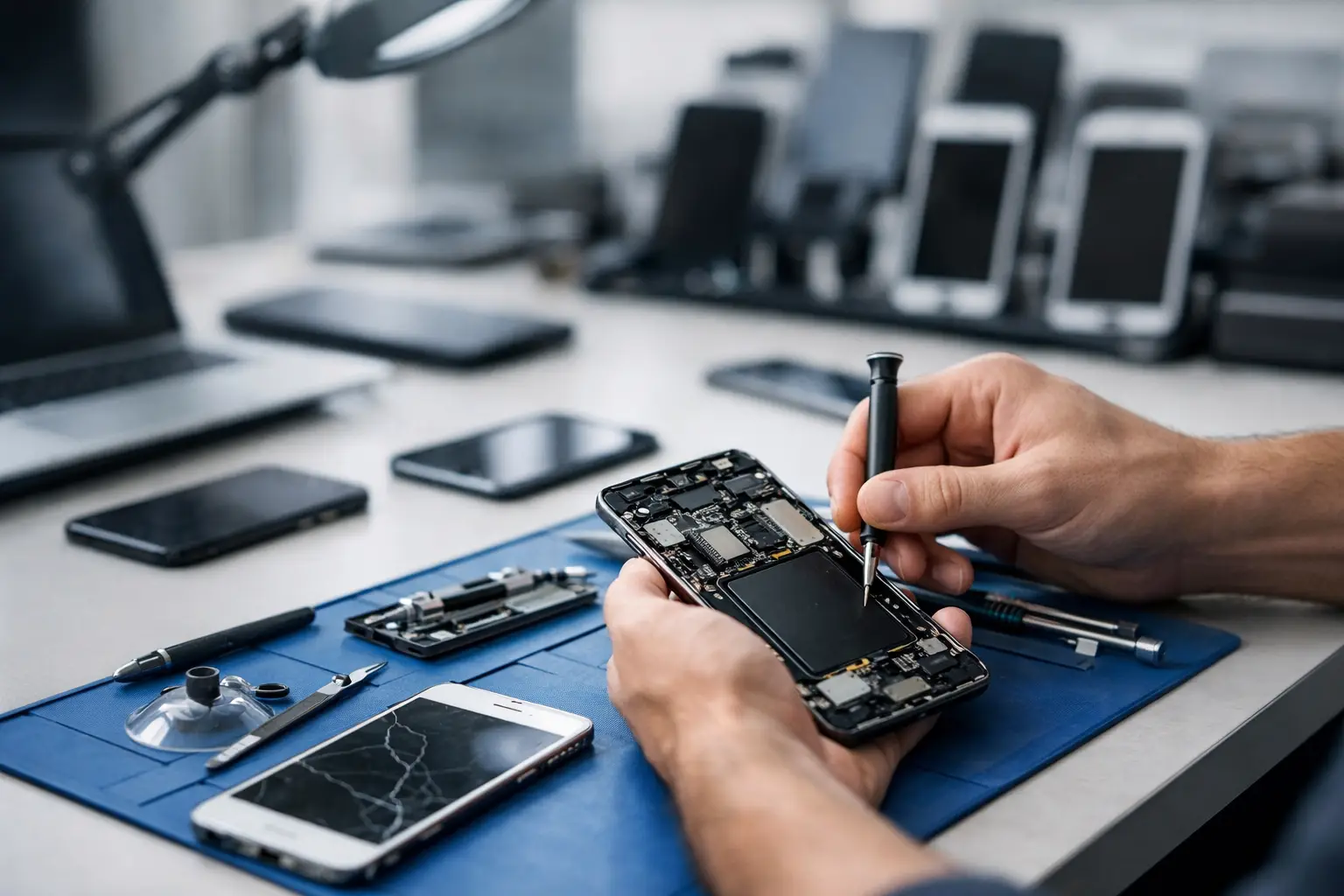
A cracked work phone is rarely just a cracked work phone. It can mean missed calls, delayed deliveries, inaccessible two-factor authentication and a member of staff unable to do their job properly. A clear mobile device fleet repair guide gives your business a practical way to respond quickly, control costs and keep devices in use for longer.
For businesses relying on smartphones and tablets, repair should not be an improvised decision made only when something fails. A simple process helps your team know who to contact, what information to provide and when a repair makes more financial sense than replacement. The result is less downtime for staff and fewer surprise costs for the business.
Why fleet repairs need a clear process
Mobile devices are now essential working tools. They handle customer communication, navigation, stock checks, payments, photography, scheduling and access to business systems. When one device fails, the disruption may be manageable. When several devices develop the same battery, screen or charging issue, it can affect an entire team.
Without a repair process, employees may wait too long before reporting a fault, attempt an unsuitable fix themselves or order a replacement device that is not necessary. That increases costs and can expose company data. A defined repair policy gives people a quick route from fault report to working device.
It also makes budgeting easier. Screen replacements, battery replacements and charging-port repairs are often significantly more affordable than replacing a recent handset or tablet. The right choice depends on the device’s age, condition, model and the cost of the repair, but repair deserves to be assessed before replacement is approved.
Build a mobile device fleet repair guide that staff use
The best policy is short enough that employees will actually follow it. It should set out who owns each device, how faults are reported, what happens to data during a repair and who can approve costs. Keep technical language to a minimum. Staff need clear actions, not a manual full of jargon.
Start with an accurate device register
Record the make, model, serial number or IMEI, assigned user, purchase date and condition of every company device. Include accessories that affect day-to-day use, such as chargers, cases and tablets used with payment equipment.
This register helps identify recurring issues. If several devices of the same age are losing battery capacity, you can plan a group battery replacement rather than responding to failures one at a time. It also helps when a handset is misplaced or a repairer needs to confirm exactly which model requires a part.
Ask employees to report faults early. A charging port that only works at a certain angle, a screen lifting slightly from the frame or a battery that drains before lunchtime should be checked before it becomes a complete failure. Early repair can prevent further damage and reduce time out of service.
Set repair priorities by operational impact
Not every fault requires the same response time. A damaged back cover may be usable for a short period if the phone remains safe and protected. A device that cannot charge, make calls or access essential work applications is a higher priority.
A practical priority system can use four categories:
- Critical: the device prevents a key employee or customer-facing service from operating.
- Urgent: the device works poorly and is likely to fail soon, such as a severely weakened battery or unreliable charging port.
- Standard: the issue affects appearance or convenience but does not stop essential work.
- Planned: several similar repairs can be grouped together to reduce disruption and administration.
This approach prevents the loudest complaint from automatically becoming the top job. It also helps managers arrange loan devices where necessary and keep teams productive while repairs are completed.
Protect data before any repair
Business phones often contain sensitive information, even when staff use cloud services. They may hold customer contacts, work emails, photographs, authentication apps and locally stored files. Before a device is handed over, confirm that it has been backed up and that essential account access can be restored.
Your policy should state who is allowed to authorise resets, software updates and data transfers. A reset can solve persistent software problems, but it should never be the first choice if vital data has not been secured. Where an employee uses a personal device for work, be especially clear about consent and the separation of personal and company information.
It is also sensible to remove payment cards and disable unnecessary account access before repair, where appropriate. The aim is not to make the process difficult. It is to ensure a damaged screen or failing battery does not become a data-loss problem as well.
Know the most common fleet faults
Screen damage is one of the most visible problems in a device fleet. A small crack can spread, reduce touch responsiveness or expose the display to moisture and dust. A prompt screen replacement protects the device and makes it safer and easier for staff to use.
Battery problems are more gradual. Devices may shut down unexpectedly, become hot during normal use or need charging several times a day. Battery health naturally declines over time, particularly on heavily used work handsets. Replacing the battery can extend the useful life of an otherwise reliable device and avoid the cost of a full replacement.
Charging-port faults are often mistaken for battery faults. Dust, pocket debris, wear or a damaged cable can cause intermittent charging. A professional inspection can establish whether the port needs cleaning, repair or replacement. Staff should avoid pushing objects into the port, as this can cause further damage.
Software faults matter too. Failed updates, storage shortages, frozen applications and login problems can make a physically sound device unusable. These issues may be resolved through diagnostics, software updates, data transfer or a controlled reset. The correct fix depends on the cause, so guessing is rarely the fastest route.
Decide when repair is better than replacement
There is no single replacement age that suits every fleet. A two-year-old premium phone with a damaged display may be worth repairing, while an older entry-level device with several faults may not be. Consider the repair cost alongside the device’s reliability, security-update support, available parts and the staff member’s role.
Replacement is usually the better choice when the repair cost is close to the value of a comparable replacement device, when multiple core components are failing, or when the model can no longer support essential security or work applications. Repair is often the sensible option when damage is isolated and the device remains suitable for its purpose.
Avoid judging only by the upfront price. Replacing a handset also means setup time, data transfer, new accessories, staff disruption and disposal of the old device. A fast, quality repair may return a familiar device to service with far less interruption.
Choose a repair partner that works around your business
For a fleet, repair quality and turnaround time matter as much as the quoted price. Poor-quality parts or rushed work can lead to repeat faults, creating more downtime than the original issue. Ask whether the repairer works across the brands in your fleet, whether diagnostics are provided before work begins and whether replacement parts and battery work are covered by warranty.
A useful repair partner should also be clear about what can and cannot be repaired. Free diagnostics and a no-fix-no-pay approach remove much of the uncertainty when a fault is not obvious. For businesses with several devices, tailored support and on-site repair options can reduce the time staff spend travelling or waiting without their handset.
Logiexpert Smartphone Repairs supports businesses with practical, multi-brand repair solutions for phones and tablets, from damaged screens and batteries to charging ports, software issues and data transfers. The focus should always be on getting the device back into dependable working order at an affordable rate.
Reduce the number of repairs you need
A repair guide should also prevent avoidable faults. Provide protective cases and screen protectors for devices used on the road, in warehouses or by customer-facing teams. Keep approved charging cables available, because worn or unsuitable cables can damage ports and create unreliable charging.
Encourage staff to keep storage space available for updates, report damage promptly and avoid exposing devices to excessive heat or moisture. For shared tablets, assign responsibility at the end of each shift so small issues are noticed before the next user is affected.
The most useful fleet repair policy is not the longest one. It is the one that helps an employee act quickly when their work device starts to fail. With clear reporting, sensible approval rules and a trusted repair route, a damaged phone becomes a manageable task rather than a day of lost work.
Lascia un commento