
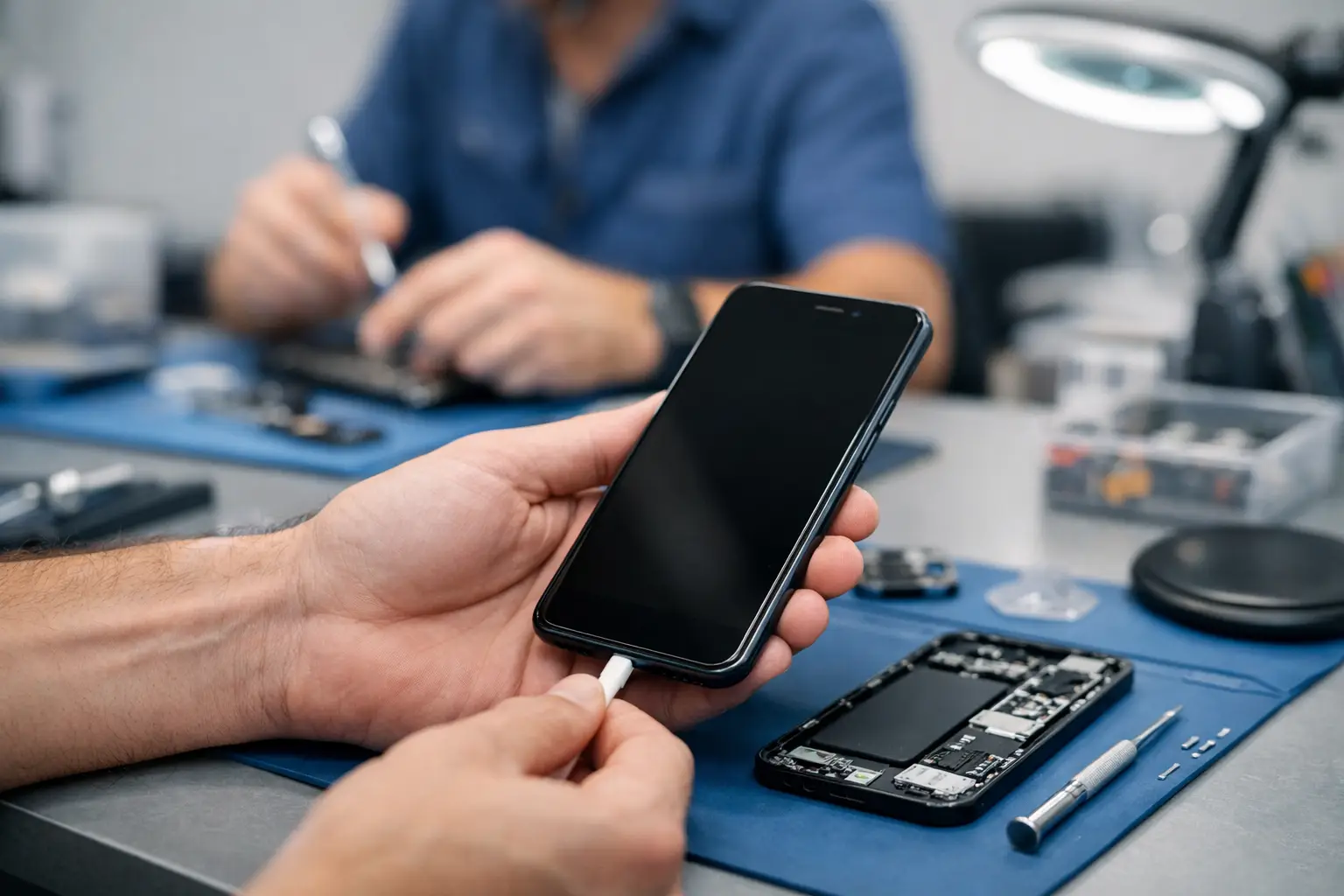
Your phone reaches 1%, you connect the cable, and nothing happens. Or it only charges when the cable is held at a particular angle. A reliable phone not charging repair service can turn that daily frustration into a clear answer: is the problem the charger, the charging port, the battery or something inside the phone?
For most people, a phone that will not charge is not a minor inconvenience. It can mean missed work calls, no access to banking apps, lost navigation on the way home and no way to reach family. The good news is that many charging faults are repairable, often without replacing the whole device.
Why a phone stops charging
Charging problems do not always have the same cause. A worn cable can look fine from the outside but fail internally. An unsuitable plug may provide too little power, while a damaged adaptor can interrupt charging altogether. These are the simplest issues to rule out before assuming the phone itself needs repair.
If another known-working cable and plug make no difference, the fault may be in the handset. Charging ports collect compacted pocket fluff, dust and debris surprisingly quickly. The charging connector may still enter the port, but it cannot make a secure connection with the contacts inside. This often explains a loose cable, intermittent charging or a phone that charges only in one position.
A battery can also be the cause. Batteries naturally lose capacity over time, especially after years of daily charging, heavy use, heat exposure or repeated full discharges. You may notice that the phone charges very slowly, drops from 30% to empty without warning, becomes unusually warm or switches off despite showing charge remaining.
Less commonly, the issue is linked to a software fault, water damage, damaged internal connections or a fault on the charging circuit. These cases need proper assessment. Guesswork can waste money and, in the case of moisture damage, make the device worse.
Phone not charging repair service: what happens first
A good repair starts with diagnosis, not with an automatic replacement part. The technician checks how the phone responds to power, examines the charging port, tests suitable charging equipment and considers the device’s battery condition. This helps separate a straightforward cleaning job from a port, battery or board-level fault.
At Logiexpert Smartphone Repairs, initial diagnostics are free. That matters because a charging issue can have several possible causes, and you should understand the likely repair before agreeing to work. If the fault cannot be fixed, you do not pay for a repair that has not solved the problem.
The repair route depends on what is found. A blocked port may need careful professional cleaning. A damaged port may require replacement. On some models, the charging connector is part of a separate component and can be replaced efficiently. On others, it is more integrated, so the repair is more involved. The right option depends on the make, model, condition and value of the phone.
Signs your charging port may need repair
A charging port problem usually gives a few clues before it stops working completely. The cable may feel loose, fall out easily or need to be pushed in firmly. Charging may start and stop when the phone is moved. You might see a charging symbol, but the percentage barely rises.
Do not force the connector or poke inside the port with a pin, paperclip or other metal object. The contacts are delicate, and a small slip can bend them or create a short circuit. Wooden toothpicks are sometimes suggested online, but even these can leave fibres behind or push debris deeper into the port.
A technician can inspect and clean the port safely, then test whether it holds a stable connection. If cleaning does not restore charging, replacing the port may be the sensible next step. This is usually far more cost-effective than replacing a phone that is otherwise working well.
When the battery is the real issue
A failing battery can look like a charging-port fault because the phone is connected to power but does not build charge properly. It may take hours to reach a useful percentage, shut down when you open an app, or lose charge rapidly as soon as it is unplugged.
Battery replacement is often a practical repair for phones that still meet your needs. A quality replacement battery can restore predictable daily use and reduce the need to carry a power bank everywhere. It is particularly worthwhile when the screen, cameras and general performance are still in good condition.
There is a trade-off. If a device is already old, has several faults or no longer receives useful software support, spending money on a battery may not be the best choice. Honest diagnostics should help you decide whether repair offers good value rather than simply recommending the most expensive work.
Check these things before booking a repair
Start with a different cable, plug and wall socket. Use a charger that is compatible with your phone and avoid very cheap, unbranded accessories that may deliver inconsistent power. If your phone supports wireless charging, test that too. A phone that charges wirelessly but not by cable often points towards a port issue, although it is not a final diagnosis.
Next, restart the phone. Temporary software errors can occasionally affect charging behaviour. Check the charging port under good light, but do not insert anything into it. If you can see compacted debris, arrange a professional clean rather than risking damage.
If the phone has been dropped, exposed to rain, splashed or used in a humid environment, stop charging it if it becomes hot or displays a moisture warning. Do not try to dry it with a hairdryer or place it on a radiator. Heat can damage seals, the battery and internal components. Leave it switched off where possible and seek assessment promptly.
Fast repair matters when your phone is essential
For a student, parent or busy professional, being without a phone can disrupt far more than calls. Authentication codes, work messages, train tickets, medical reminders and school updates may all be on the device. That is why a clear repair process and fast turnaround are valuable.
Businesses have an added concern: one failed work phone can delay customer visits, deliveries, scheduling and access to company systems. Where several devices are involved, a repair partner that can assess faults efficiently and offer tailored or on-site support can reduce unnecessary downtime.
Whether you use an iPhone, Samsung, Google, Xiaomi, Huawei, Oppo, OnePlus or another supported model, the underlying approach should remain the same: identify the actual fault, explain the options clearly and use high-quality parts where replacement is needed. A repair should leave the phone working reliably, not merely charging long enough to get through the day.
Protect your phone after the repair
Once charging has been restored, a few habits can help prevent the same issue returning. Keep the port away from loose dust and lint, especially if you carry the phone in a pocket or bag. Remove the cable by holding the connector rather than pulling the lead. Use dependable cables and plugs, and replace accessories when they become loose, frayed or unreliable.
Try to avoid repeated overheating. Leaving a phone under a pillow, on a hot dashboard or in direct sun while charging puts extra strain on the battery. Modern phones manage charging well, so you do not need to obsess over every percentage point. Consistent, sensible use is more helpful than constantly draining the battery to empty or relying on damaged accessories.
If your phone is not charging, do not assume it is finished. A careful diagnosis can reveal a simple fix, a replaceable part or a repair that gives your device many more useful months. Get the fault checked early, before an intermittent charge becomes no charge at all.
Lascia un commento